

Hello,
we want to hide a block from a visual overview based on the name of the service. This Visio is used in a service template.
I found the following Dojo entry: https://community.dataminer.services/question/visual-overview-is-it-possible-to-hide-pages-based-upon-view-service-element-name/?hilite=show+condition+name
But this isn't working for us.
I tried it with a simple square with this config:
Hide
<A>-A|Value|[this service]|="IPTV F3 NATIONAL"
But the box is always present.
We are running on 10.5 (main release) and I cannot find a solution or where my error is.
P.S. I tried also "Name"; "String" instead of "Value", as well the Service ID instead of the Service name, without success.
Many thanks for your support on this.
Romain

Hi Romain,
I performed a small test in DMA running version 10.6.8 and was able to make to show the shape based on the service name. In my test, I created a Visio file with two shapes, each one with a different condition:
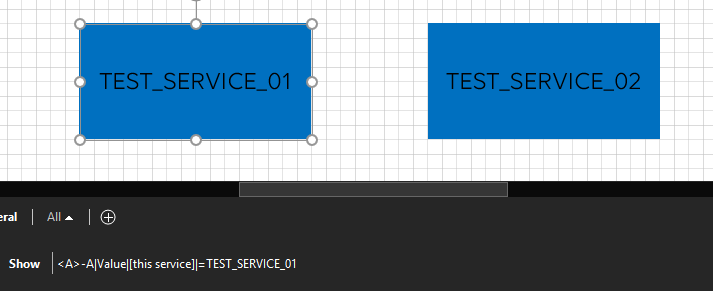
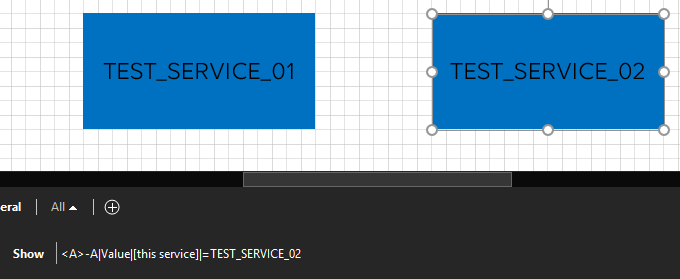
After assigning the Visio file to a service that matches one of the names, only the shape with the matching condition is displayed.
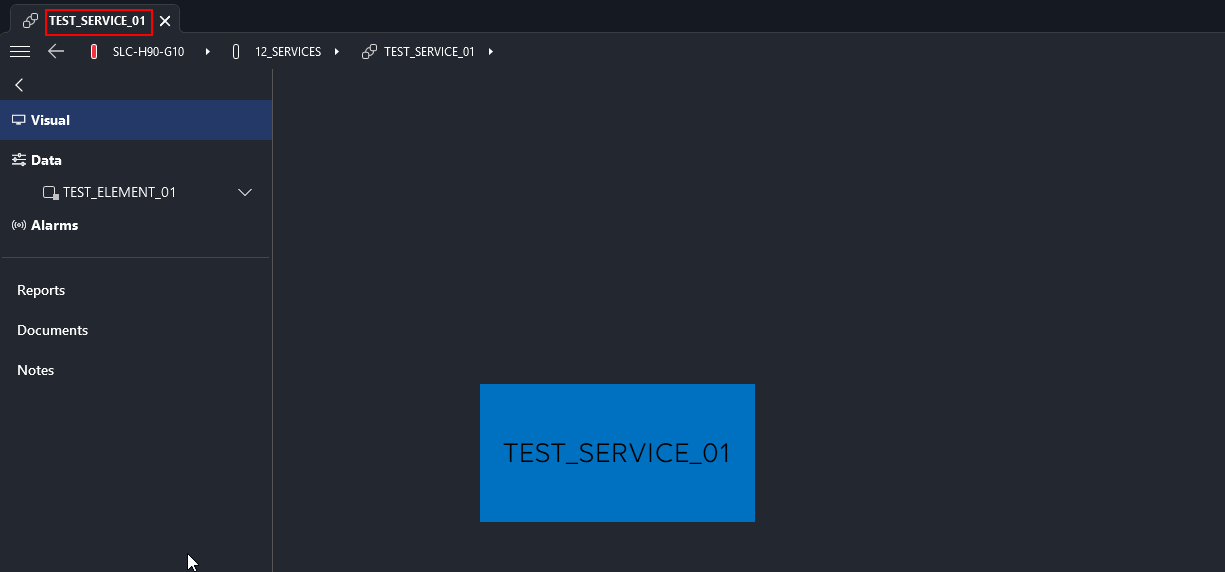
Keep in mind that the placeholder [this service] references to the service to which the Visio drawing is linked.
Hope it helps.

Many thanks, it was weird because it was suddenly working with the "Show" but not with the "Hide" command. At the end the "Hide" was working, by removing the quotes around the service name.
Many thanks for your help on this topic.