

Using the Engine SendEmail method in an Automation script, it is possible to send out an email.
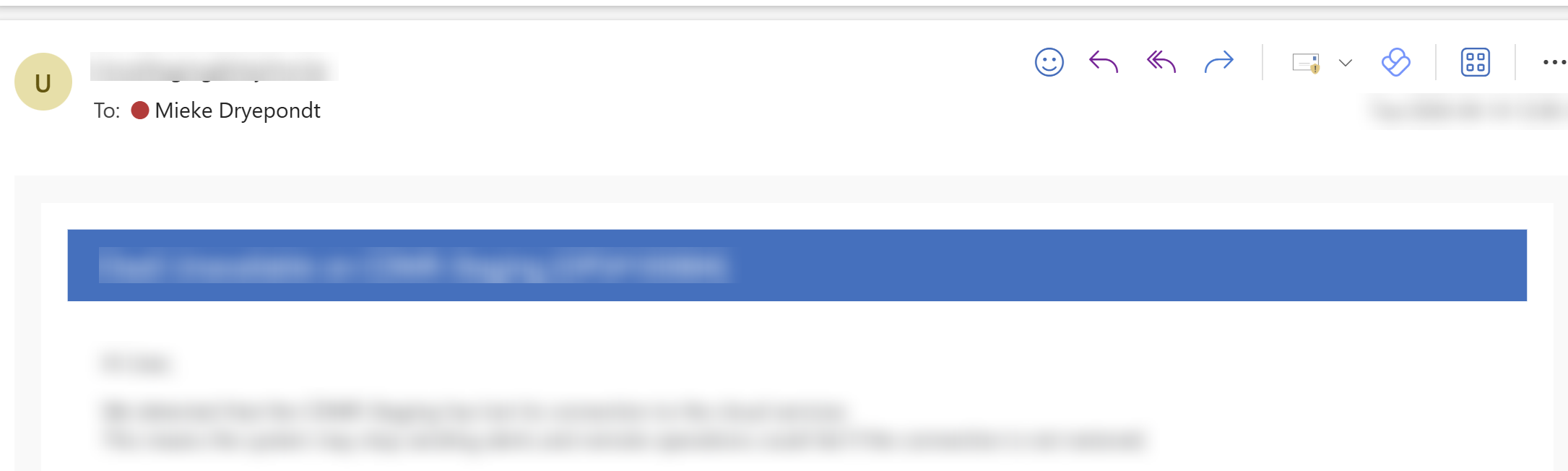
For me, these emails always come with the mail subject in a blue banner.
Is it possible to avoid this banner?
If so how?
We found this: Customizing the layout of notification messages | DataMiner Docs, but I do not know if or how this would apply on mails send from automation.

But if I send as plain text, will I not loose the layout structure of the message I pass? e.g. links, tables, bullet points, …

Customizing the layout of notification messages | DataMiner Docs only applies to the inner part of the e-mails, and only for correlation and notification e-mails.
The template in which emails are wrapped is also applied to automation emails.
The template is in c:\Skyline DataMiner\NotifyMail.html and is where the blue title header lives.
Editing the file is not advised, mainly because DataMiner upgrades will overwrite the file.
OK, I'll see if we can accept the blue banner being there.

As an alternative, I believe you can send a SendEmailMessage via SLNet with HTML code in the Body property. This body will not be wrapped into any template
Hi Mieke,
Have you checked the option 'SendAsPlainText' in EmailOptions:
https://docs.dataminer.services/develop/api/types/Skyline.DataMiner.Automation.EmailOptions.html#properties
Regarding the layout, I believe these templates are used when emails are triggered by correlation rules and alerts.