

Hi everyone,
we are creating an install script for our solution in which we would like to have a step that will create some form of admin user just for that install script with all rights. From client test tool I captured message(right) and what is needed in that message, but unfortunately if I try to recreate same message via client test tool(left), it will throw an exception
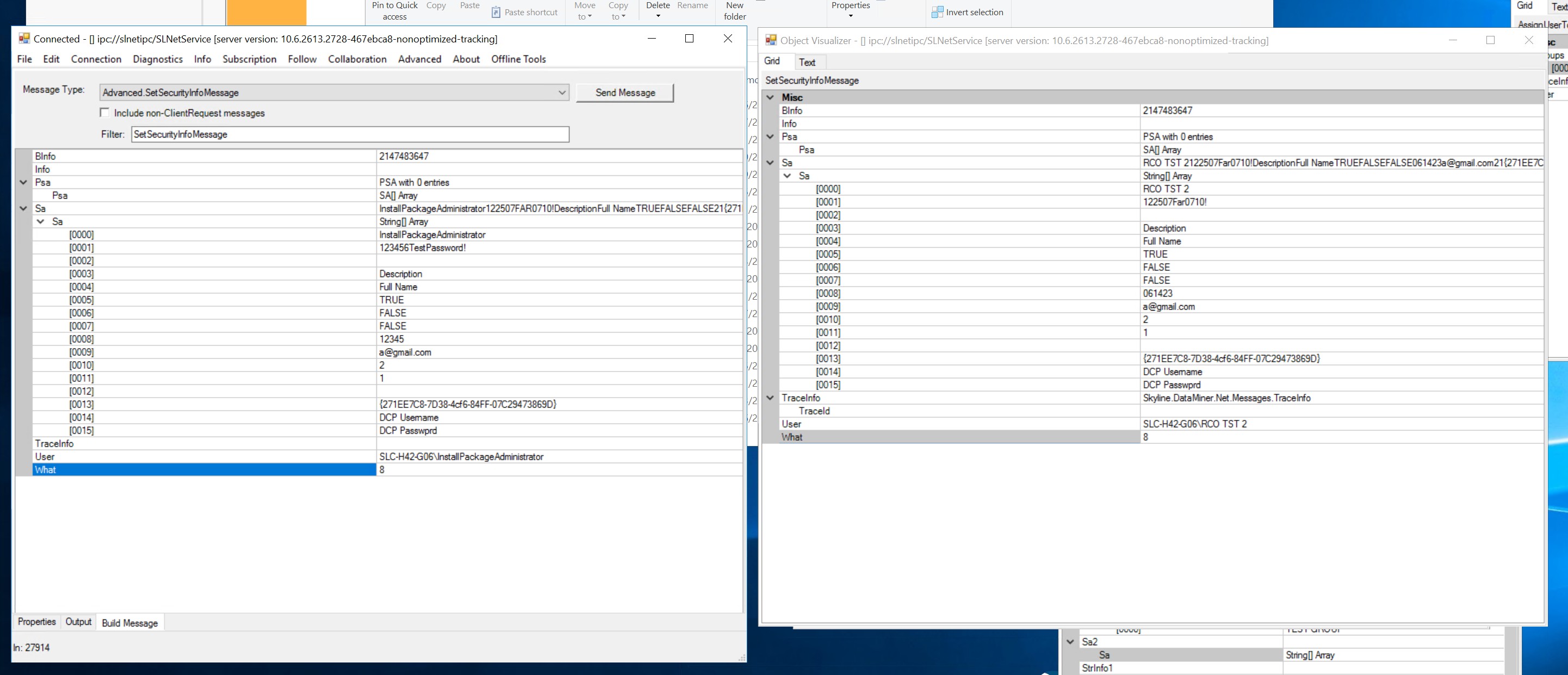
Error message would be following:
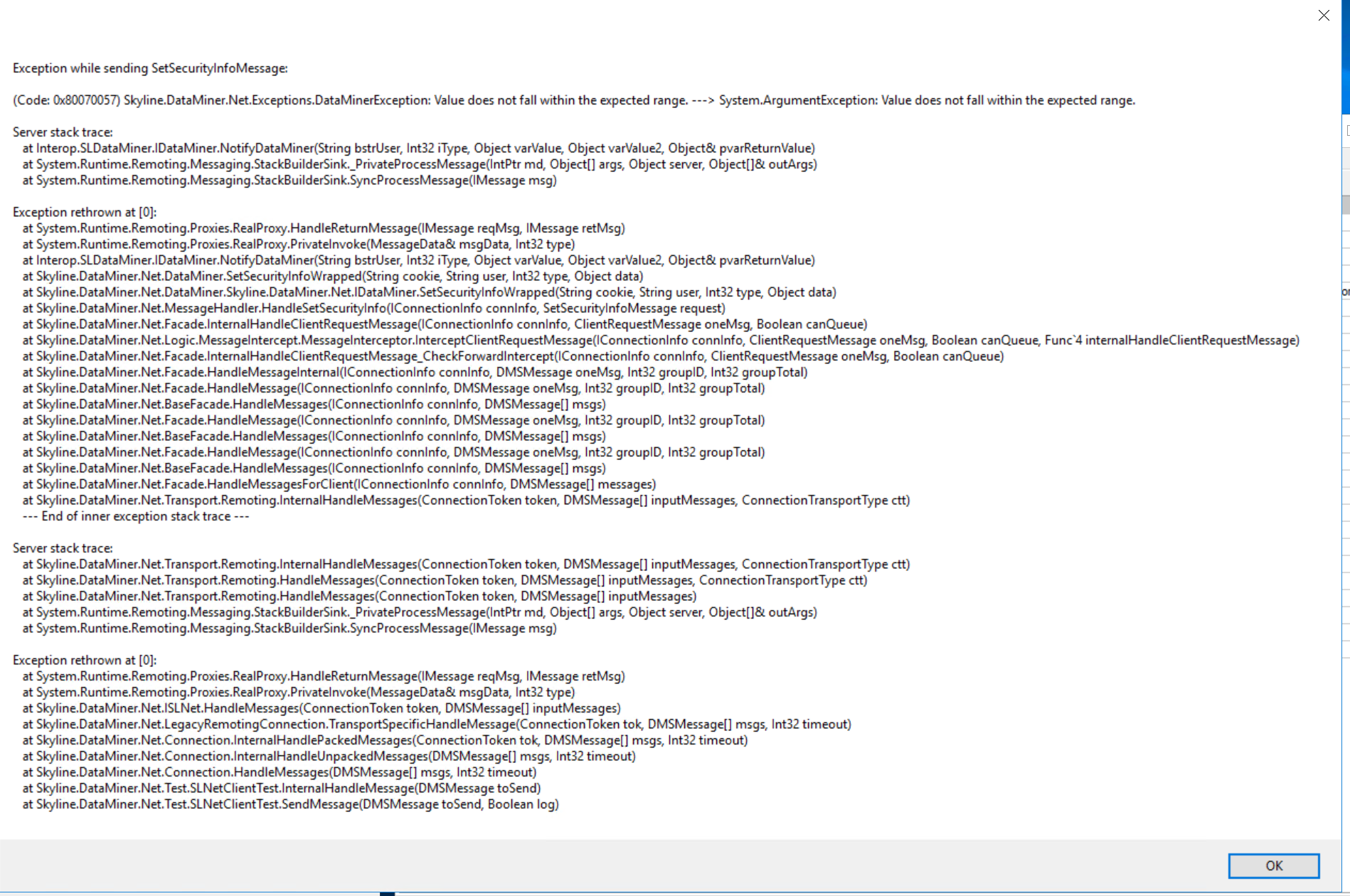
And if I change what to 82 (AddUser from NotifyType enum), we would get following error:
[2026-08-10 16:31:59] Failed to create user InstallPackageAdministrator: (Code: 0x80040277) Skyline.DataMiner.Net.Exceptions.DataMinerCOMException: This user is member of an unknown group.---> System.Runtime.InteropServices.COMException: Exception from HRESULT: 0x80040277Server stack trace: at Interop.SLDataMiner.IDataMiner.NotifyDataMiner(String bstrUser, Int32 iType, Object varValue, Object varValue2, Object& pvarReturnValue) at System.Runtime.Remoting.Messaging.StackBuilderSink._PrivateProcessMessage(IntPtr md, Object[] args, Object server, Object[]& outArgs) at System.Runtime.Remoting.Messaging.StackBuilderSink.SyncProcessMessage(IMessage msg)
Exception rethrown at [0]: at System.Runtime.Remoting.Proxies.RealProxy.HandleReturnMessage(IMessage reqMsg, IMessage retMsg) at System.Runtime.Remoting.Proxies.RealProxy.PrivateInvoke(MessageData& msgData, Int32 type) at Interop.SLDataMiner.IDataMiner.NotifyDataMiner(String bstrUser, Int32 iType, Object varValue, Object varValue2, Object& pvarReturnValue) at Skyline.DataMiner.Net.DataMiner.SetSecurityInfoWrapped(String cookie, String user, Int32 type, Object data) at Skyline.DataMiner.Net.DataMiner.Skyline.DataMiner.Net.IDataMiner.SetSecurityInfoWrapped(String cookie, String user, Int32 type, Object data) at Skyline.DataMiner.Net.MessageHandler.HandleSetSecurityInfo(IConnectionInfo connInfo, SetSecurityInfoMessage request) at Skyline.DataMiner.Net.Facade.InternalHandleClientRequestMessage(IConnectionInfo connInfo, ClientRequestMessage oneMsg, Boolean canQueue) at Skyline.DataMiner.Net.Logic.MessageIntercept.MessageInterceptor.InterceptClientRequestMessage(IConnectionInfo connInfo, ClientRequestMessage oneMsg, Boolean canQueue, Func`4 internalHandleClientRequestMessage) at Skyline.DataMiner.Net.Facade.InternalHandleClientRequestMessage_CheckForwardIntercept(IConnectionInfo connInfo, ClientRequestMessage oneMsg, Boolean canQueue) at Skyline.DataMiner.Net.Facade.HandleMessageInternal(IConnectionInfo connInfo, DMSMessage oneMsg, Int32 groupID, Int32 groupTotal) at Skyline.DataMiner.Net.Facade.HandleMessage(IConnectionInfo connInfo, DMSMessage oneMsg, Int32 groupID, Int32 groupTotal) at Skyline.DataMiner.Net.BaseFacade.HandleMessages(IConnectionInfo connInfo, DMSMessage[] msgs) at Skyline.DataMiner.Net.Facade.HandleMessagesForClient(IConnectionInfo connInfo, DMSMessage[] messages) at Skyline.DataMiner.Net.Transport.Remoting.InternalHandleMessages(ConnectionToken token, DMSMessage[] inputMessages, ConnectionTransportType ctt) --- End of inner exception stack trace ---
Server stack trace: at Skyline.DataMiner.Net.Transport.Remoting.InternalHandleMessages(ConnectionToken token, DMSMessage[] inputMessages, ConnectionTransportType ctt) at Skyline.DataMiner.Net.Transport.Remoting.HandleMessages(ConnectionToken token, DMSMessage[] inputMessages, ConnectionTransportType ctt) at Skyline.DataMiner.Net.Transport.Remoting.HandleMessages(ConnectionToken token, DMSMessage[] inputMessages) at System.Runtime.Remoting.Messaging.StackBuilderSink._PrivateProcessMessage(IntPtr md, Object[] args, Object server, Object[]& outArgs) at System.Runtime.Remoting.Messaging.StackBuilderSink.SyncProcessMessage(IMessage msg)
Exception rethrown at [0]: at System.Runtime.Remoting.Proxies.RealProxy.HandleReturnMessage(IMessage reqMsg, IMessage retMsg) at System.Runtime.Remoting.Proxies.RealProxy.PrivateInvoke(MessageData& msgData, Int32 type) at Skyline.DataMiner.Net.ISLNet.HandleMessages(ConnectionToken token, DMSMessage[] inputMessages) at Skyline.DataMiner.Net.LegacyRemotingConnection.TransportSpecificHandleMessage(ConnectionToken tok, DMSMessage[] msgs, Int32 timeout) at Skyline.DataMiner.Net.Connection.InternalHandlePackedMessages(ConnectionToken tok, DMSMessage[] msgs, Int32 timeout) at Skyline.DataMiner.Net.Connection.InternalHandleUnpackedMessages(DMSMessage[] msgs, Int32 timeout) at Skyline.DataMiner.Net.Connection.HandleMessages(DMSMessage[] msgs, Int32 timeout) at Skyline.DataMiner.Net.Connection.HandleMessage(DMSMessage msg, Int32 timeout) at Skyline.DataMiner.Net.Connection.HandleSingleResponseMessage(DMSMessage msg) at UserAndUserGroupsInstaller.CreateUsers()
Also, I tried to create message in this way:
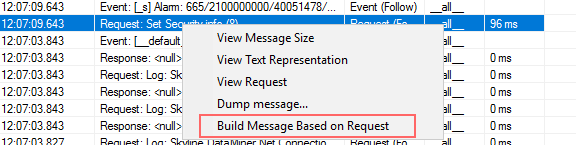
And by using this button, sending message from Client Test tool succeeds. But message type in that scenario is empty so I don't know what to use in the code...
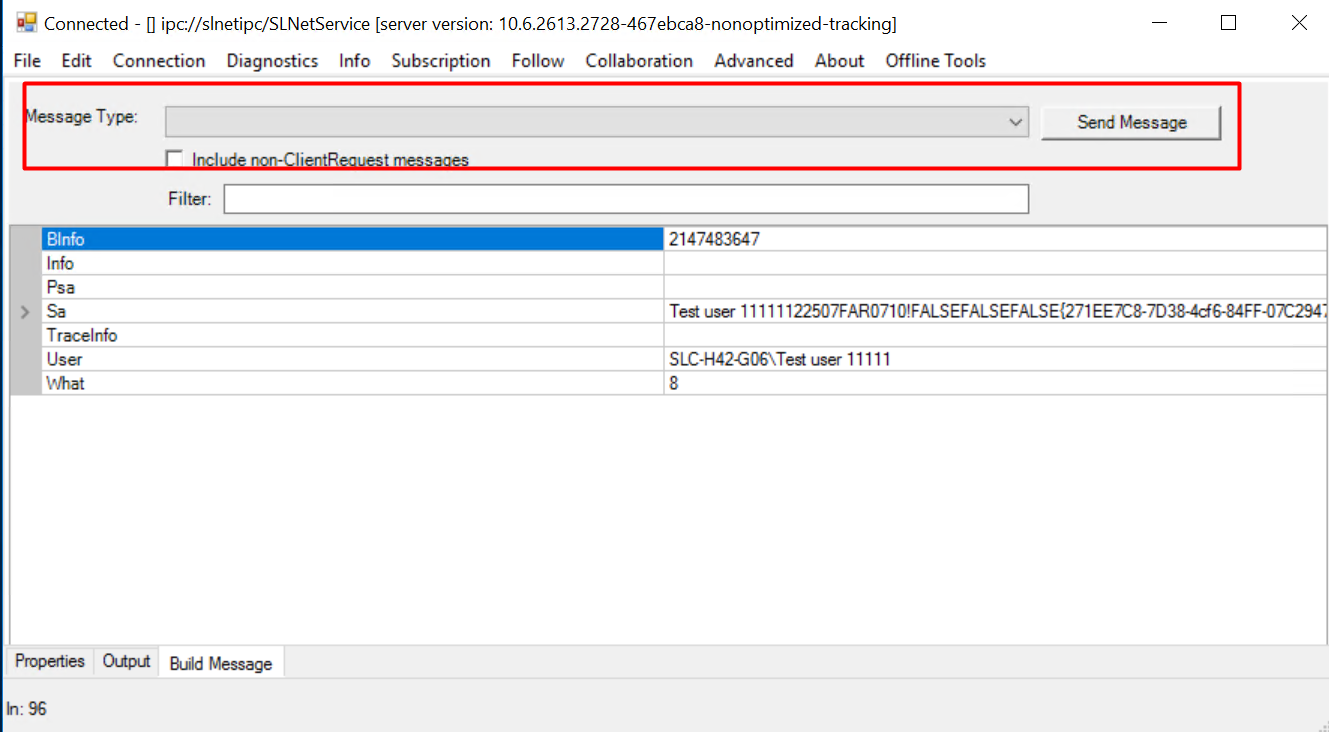
Code is currently looking like this (throwing unknown user group exception):
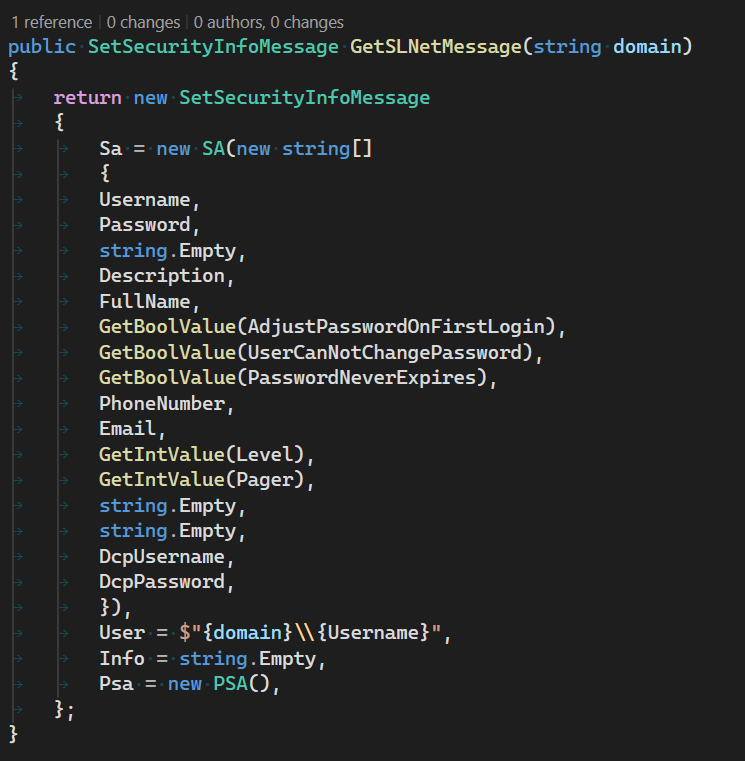
Did someone encounter similar issue before? Would there be any example in other scripts for this case?
Thanks in advance!

Hi Rijad,
In your code, you did not specify the 'What = 8'.
var request = new SetSecurityInfoMessage(8, configuration.UserName, int.MaxValue, string.Empty)
{
Sa = new SA(new string[16]),
};
request.Sa.Sa[0] = configuration.UserName;
request.Sa.Sa[1] = configuration.Password;
request.Sa.Sa[3] = configuration.Description;
request.Sa.Sa[5] = "FALSE";
request.Sa.Sa[6] = configuration.PasswordNeverExpires.ToString().ToUpper();
request.Sa.Sa[7] = "FALSE";
var response = (ResultCodeResponseMessage)Engine.SLNet.SendSingleResponseMessage(request);
Kind Regards,
Jarno