
Google has officially announced the deprecation of the KML layer. As a result, KML overlays used in both the maps component and the Maps add-on module will stop working in August 2026. So what does this mean for your setup—and what should you do next to avoid disruptions?
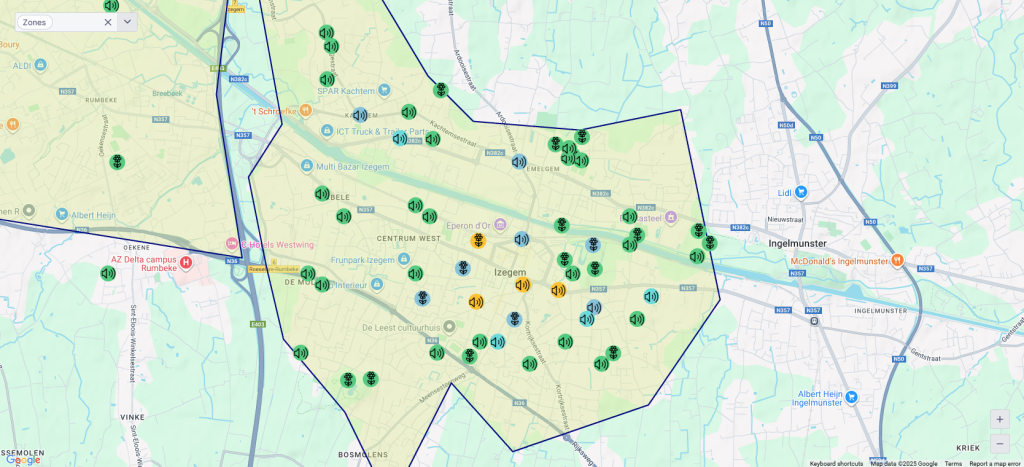
If no action is taken, any maps relying on KML overlays will stop functioning later this year. The good news is that your maps are not lost. You can migrate them to GeoJSON overlays, which are already fully supported in DataMiner. To help with this, Google recommends the toGeoJson conversion tool, which allows you to convert your existing KML files with minimal effort.
Until recently, this migration came with a trade-off. While the conversion itself was straightforward, the visual result could differ from your original KML layers. That’s because certain styling elements were not yet interpreted by the maps integration.
This is about to change. In upcoming DataMiner versions 10.5.0 [CU16], 10.6.0 [CU4], and 10.6.7, support for GeoJSON layers will be significantly expanded. You now have access to a wide range of customization options, making it possible to closely match the look and feel of your original KML overlays. In other words, moving to GeoJSON no longer means compromising on presentation.
Not quite ready to migrate yet? That’s perfectly fine too. To give you more time, we’ve extended KML support by keeping our Google Maps integraton on version 3.65, the last stable version that still supports KML. This will effectively extend KML support in DataMiner until May 2027. All you need to do is upgrade to DataMiner 10.5.0 [CU16], 10.6.0 [CU4], or 10.6.7.
So, which path will you take? Start transitioning now and take advantage of the improved GeoJSON support, or give yourself more time with the extended KML compatibility?
And what if you want the benefits of these updates without going through a full DataMiner upgrade? There’s an easier option. You can install a DataMiner web upgrade.
A web upgrade package includes the web API, the web apps, and now also the DataMiner Maps module, while leaving the core processes untouched. During installation, the DataMiner web services briefly restart, but the rest of your system continues running as usual. This means you can adopt the changes described above without the overhead or downtime of a full system upgrade.
Whichever route you choose, the key takeaway is simple: make sure your maps are ready before KML support disappears. Whether you migrate now to take advantage of the improved GeoJSON support or buy yourself some extra time with extended KML compatibility, DataMiner gives you the flexibility to move at your own pace.