

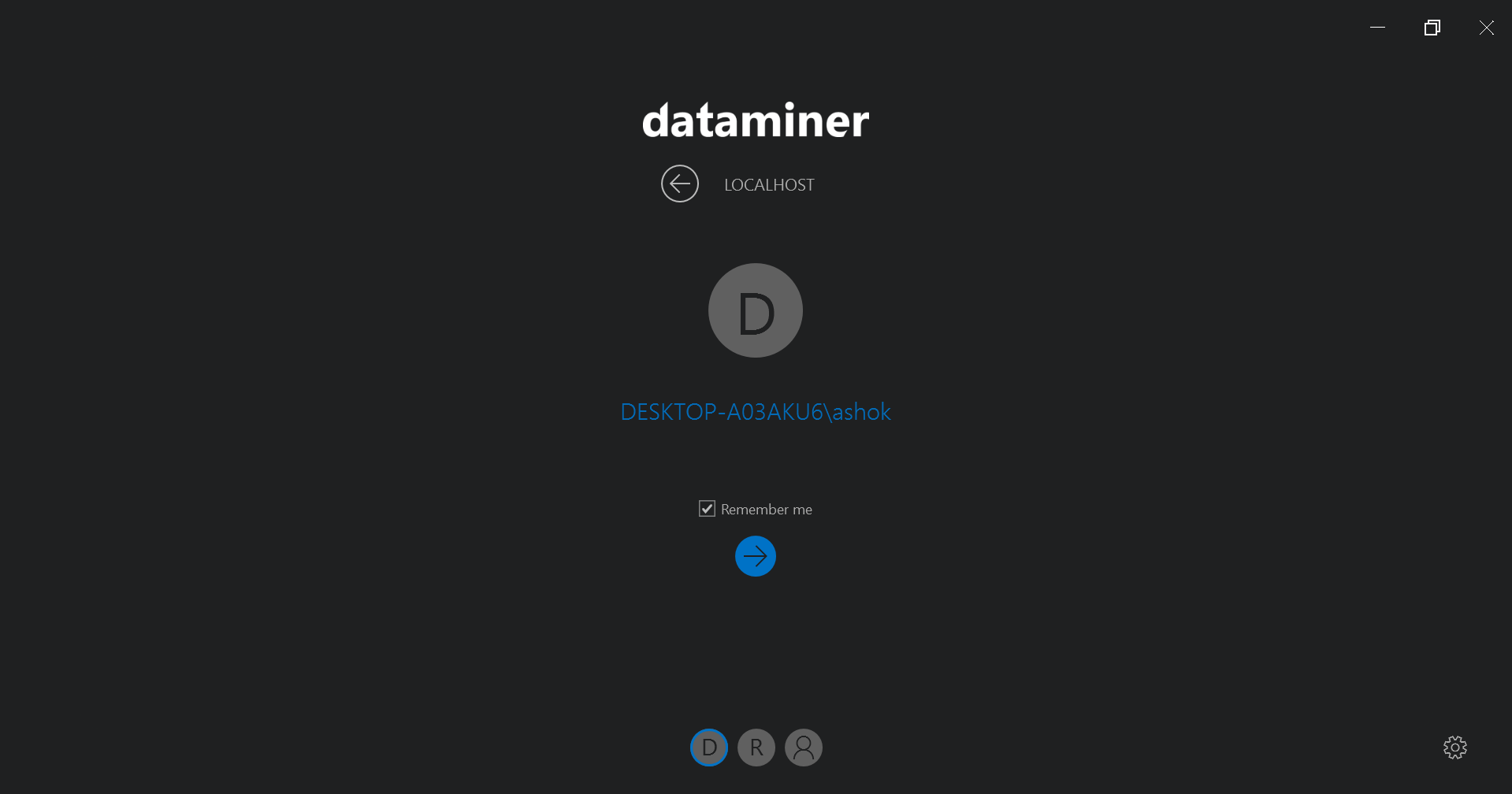
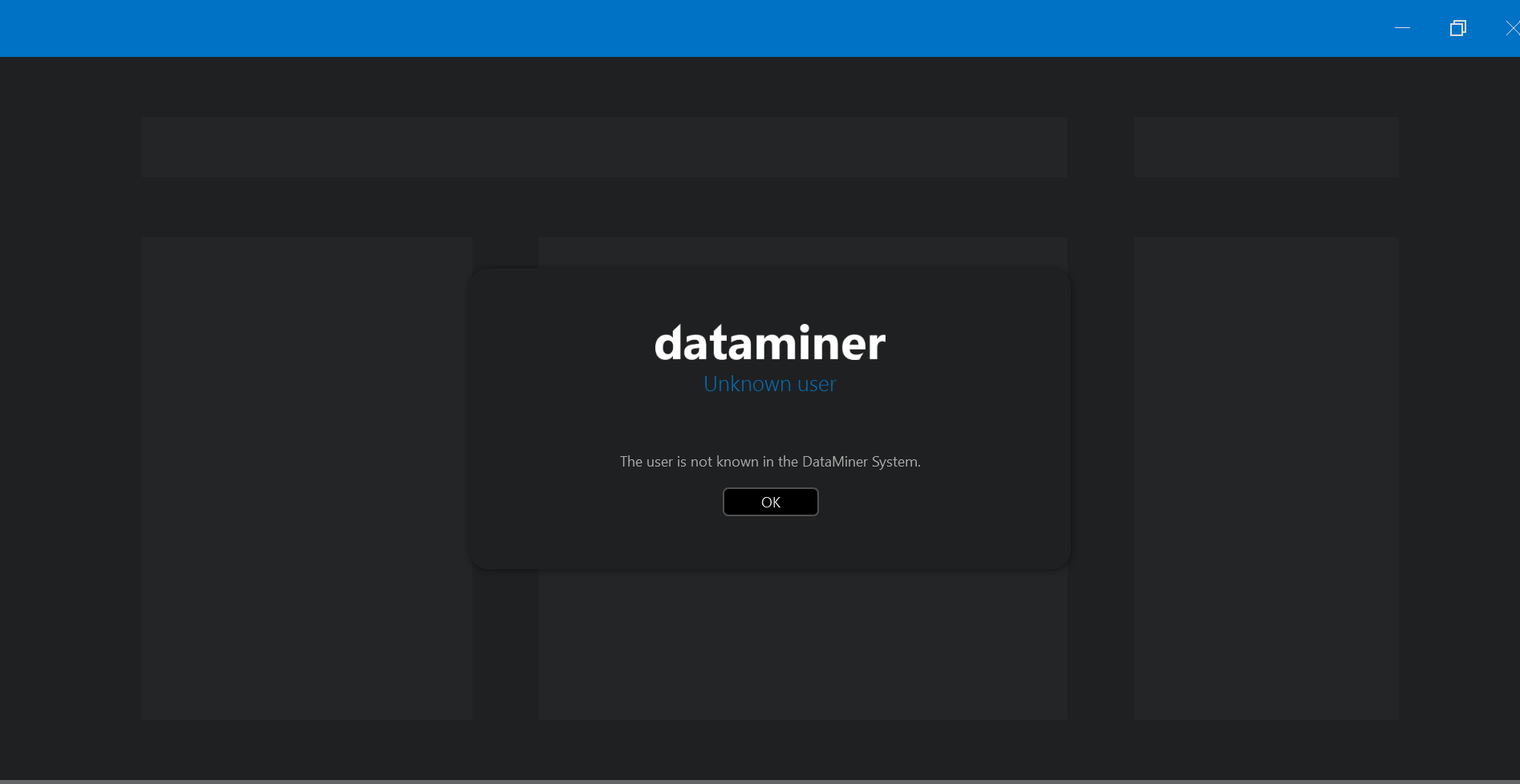
After completing my Local DMA setup and installation, I am unable to log in using Cube. The test tool is also showing the error: “user is not known.”
I tried logging in with the Administrator credentials as well, but that did not work either.
For my setup, I configured Local DMA using external Apache Cassandra and OpenSearch databases.
I’m wondering if there is any relationship between the Cassandra username and the Cube login credentials, since they are different. This seems unusual to me.
Can anyone help me understand what might be going wrong or how to resolve this issue?

Hi RiverSilica Technologies,
Can you check the contents of C:\Skyline DataMiner\Security.xml?
In that file you should find the list of users who are allowed to log in and the groups they belong to.
Feel free to share the contents of the file with us.
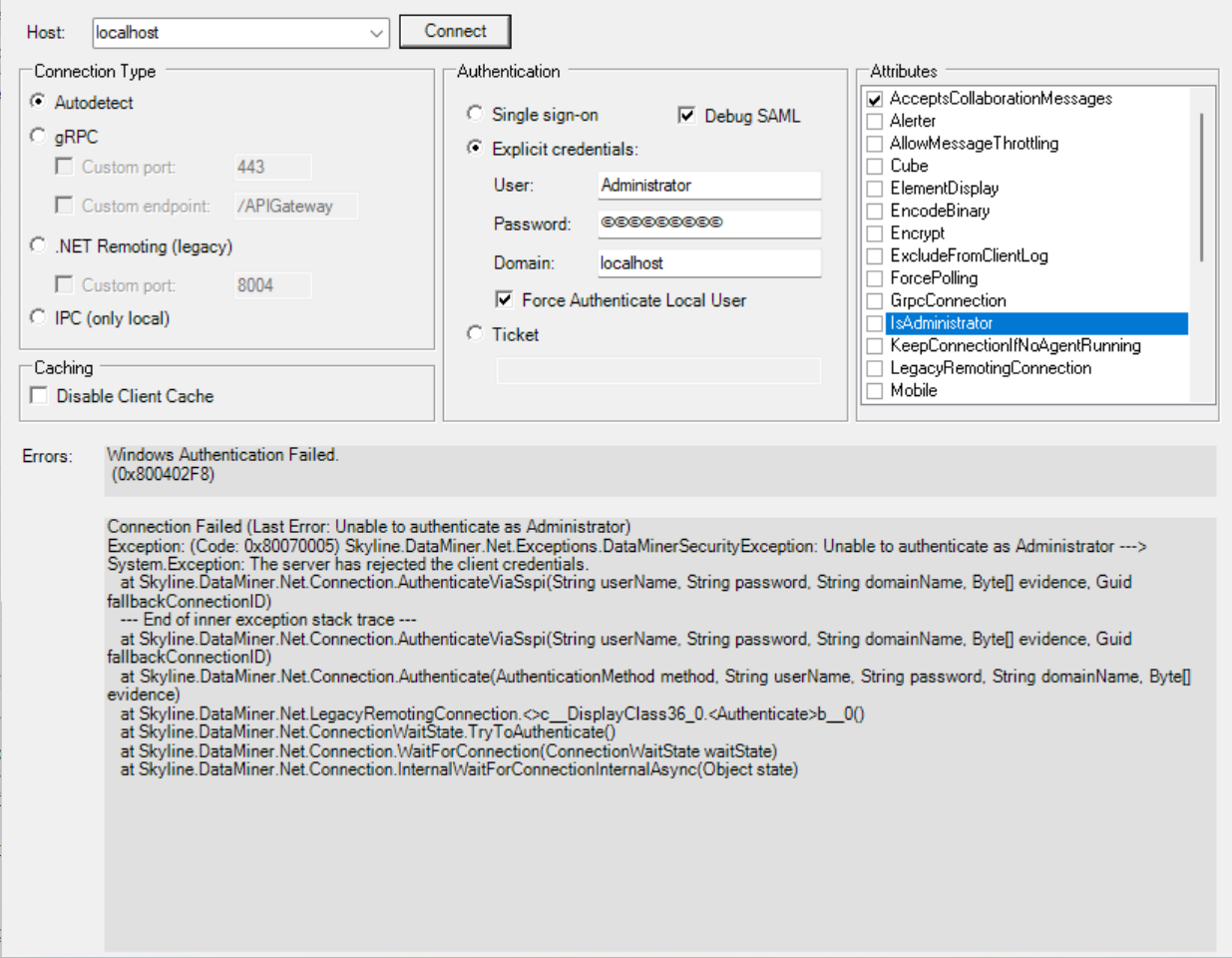
I am attaching the last logs from my SLdataminer.txt and the client test results.
2026/03/27 14:13:18.375|SLDataMiner|8800|24604|CServiceModule::RunFunc|CRU|0|Notified SLWatchDog that the startup has completed.
2026/03/27 14:13:46.801|SLDataMiner|8800|13792|CDataMiner::GetInfoFunc|INF|-1|Unsuccessful connection attempt from ashok. This user is member of an unknown group.(hr = 0x80040277)
2026/03/27 14:13:51.814|SLDataMiner|8800|13792|CDataMiner::GetInfoFunc|INF|-1|Unsuccessful connection attempt from ashok. This user is member of an unknown group.(hr = 0x80040277)
2026/03/27 14:15:22.946|SLDataMiner|8800|13792|CDataMiner::GetInfoFunc|INF|-1|Unsuccessful connection attempt from ashok. This user is member of an unknown group.(hr = 0x80040277)
2026/03/27 14:15:25.849|SLDataMiner|8800|13792|CDataMiner::GetInfoFunc|INF|-1|Unsuccessful connection attempt from ashok. This user is member of an unknown group.(hr = 0x80040277)
2026/03/27 14:18:29.017|SLDataMiner|8800|28844|CDataMiner::GetInfoFunc|INF|-1|Unsuccessful connection attempt from ashok. This user is member of an unknown group.(hr = 0x80040277)
2026/03/27 14:20:07.097|SLDataMiner|8800|19440|CDataMiner::GetInfoFunc|INF|-1|Unsuccessful connection attempt from ashok. This user is member of an unknown group.(hr = 0x80040277)
I tried with user name and Administrator also. Nothing is working.

Hi RiverSilica Technologies,
As explained in the docs, normally you are automatically added to the Administrator group by the installation wizard, giving you all Administrator rights in DataMiner. Typically I used the Administrator account to login for the first time. It's surprising to hear you cannot login with the Administrator account. Since you are using localhost, I think you have access to the server/pc. Can you please try to reset the Administrator password and try again?
Reference from Microsoft Documentation: Change or reset your password in Windows - Microsoft Support
If you have access to an administrator account already setup on the PC, you can reset the password for the local account you're trying to access by following these steps:
- Open Computer Management
- Expand Local Users and Groups > Users
- Right-click on the user that you want to change the password for, and select Set Password...
- Enter the new password and confirm it.
Kind Regards,
Jarno

I tried with that also. Still i am not able to login.