Hi,
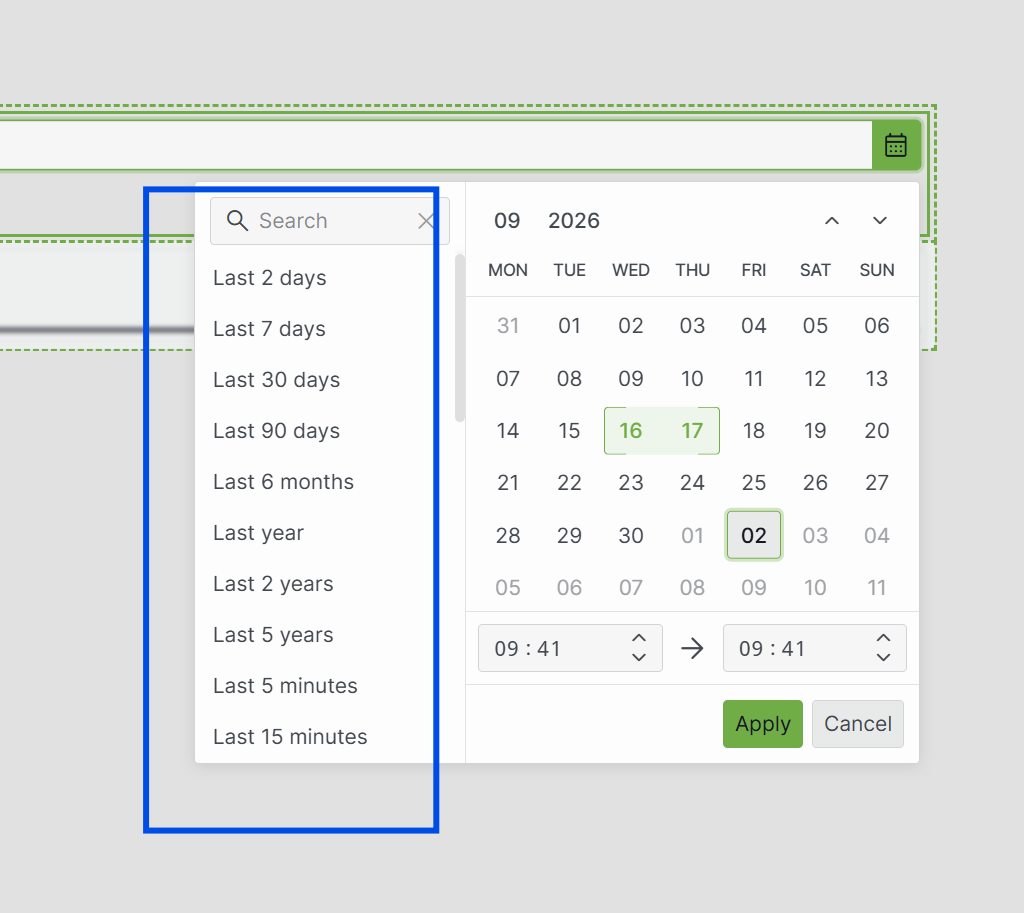
After updating the DataMiner Web Apps to 10.6.0 (CU0) with server version 10.5.0.0-17345, I noticed that a Time range component linked to a Trigger component resets its time to the default range every time that the trigger fires. When a user picks a range, for example, Last 7 days, it correctly sets the range to last 7 days and also updates the graphs linked to it, but then as soon as the trigger fires, it resets back to the default range again.
Previously, selecting a range manually used to override the default range in the Time range component. Users could then either have the default range and see as time progressed naturally but also select a specific range they want to investigate further. In short, the trigger did not override and reset to the default range.
Is this the intended behavior or am I thinking of this incorrectly? Is there another method to achieve what I just described?
Thanks!
I spoke with DataMiner support and they were able to replicate the issue I described here.
They found a workaround to avoid this problem that can be used in the meantime while waiting for a proper fix. This workaround fixes my immediate issue and it does seem to work rather well so I have pasted their workaround below for anyone else having the same problem.
"As a workaround, please select the desired date range directly in the calendar instead of using one of the predefined presets. For example, rather than selecting Last 7 days, manually select the start and end dates in the calendar. This will ensure that the selected period is retained correctly when the Trigger is applied.
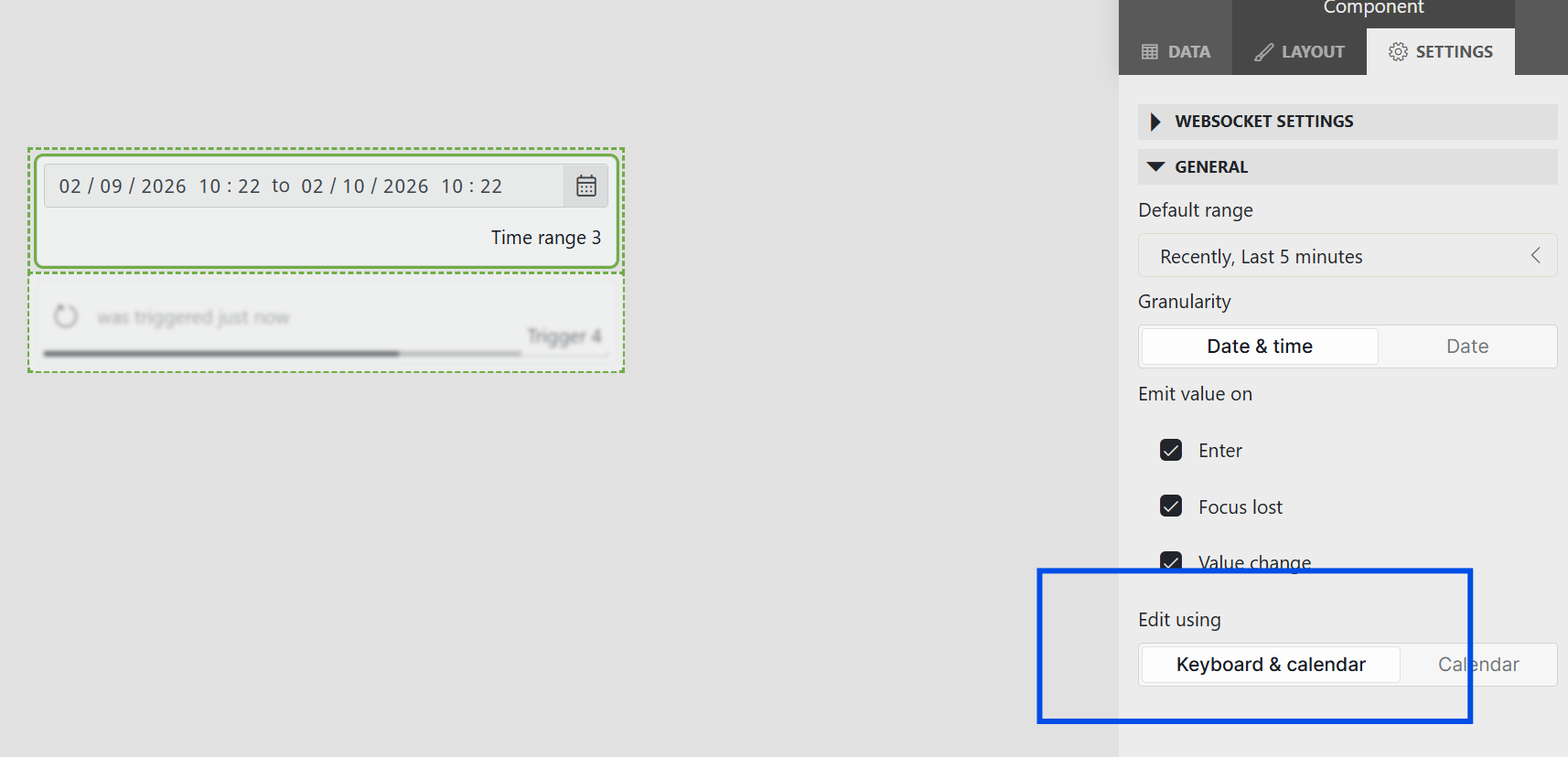
Alternatively, you can configure the time range component to use "Keyboard & Calendar". In this configuration, the presets will work as intended."