

Hello Dojo! I'm trying to make an alarm page show as a popup in my Visio diagram but I keep only getting a blank screen.
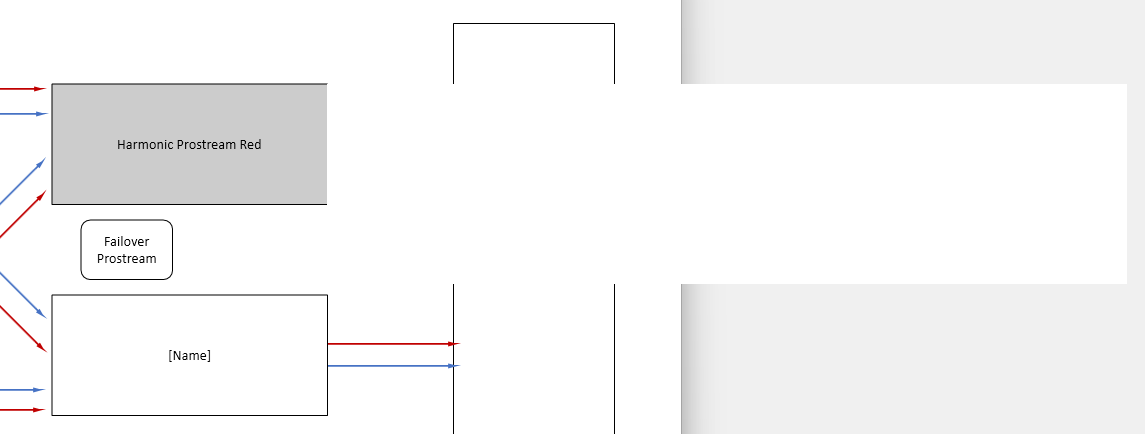
The ''Harmonic Prostream Red'' shape is the one I'm using as a button to trigger the popup by configuring the shape data as shown in the screenshot below, making sure VdxPage is using the correct page name followed by '|Popup'. The element is correctly linked to the element I want to retrieve the alarms from, as you can see the placeholder ''Name'' is retrieving the expected Element Name.
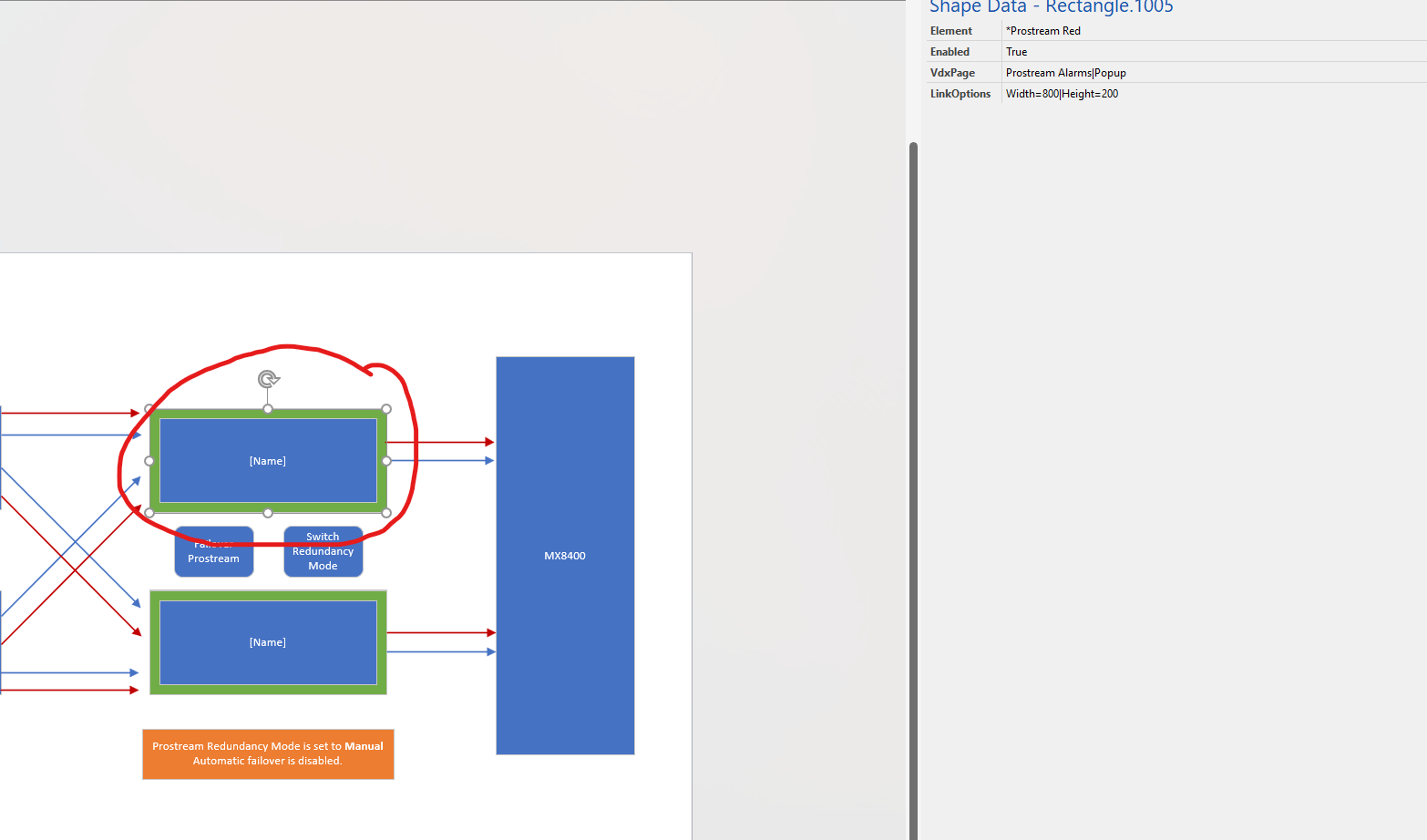
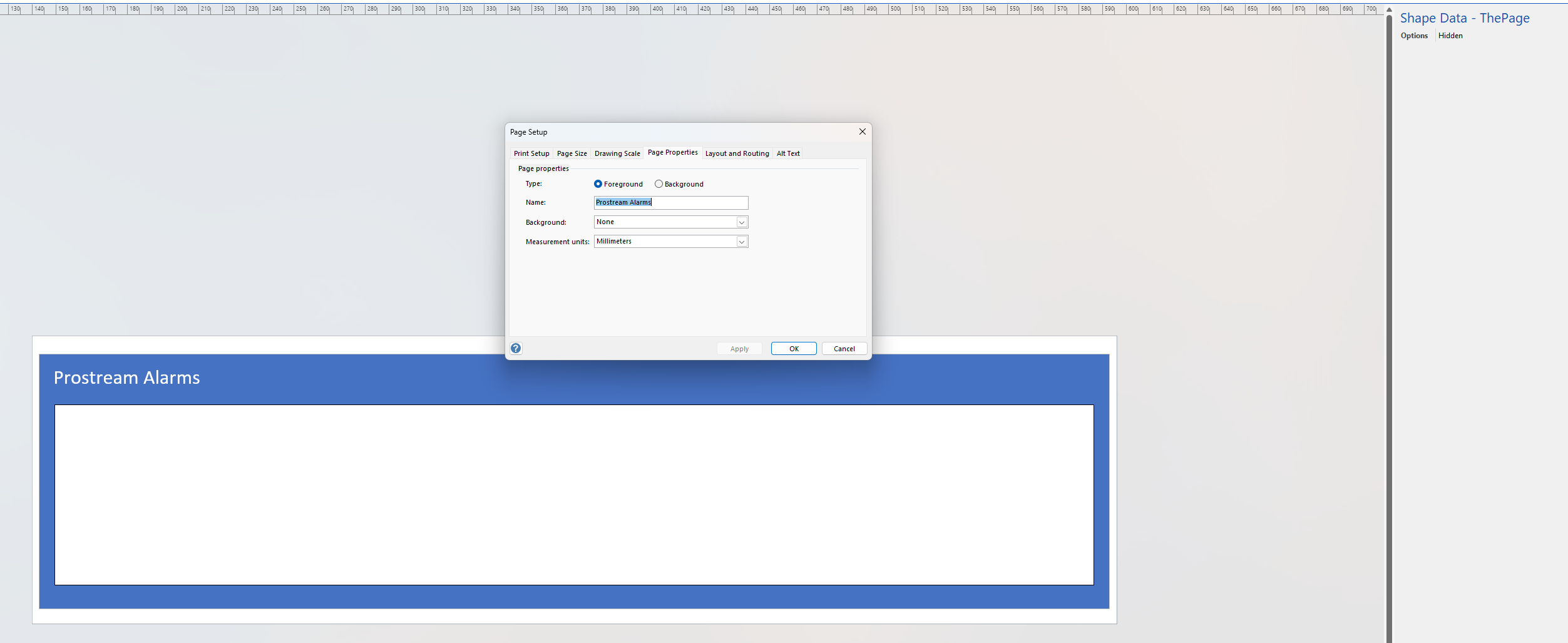
Below you can check what my alarm page and alarm table sape looks like. I tried to remove the alarm table shape and add debug shapes not connected to any elements to check if it was the connection to the element that was lost but no matter how I edited or change the size or shapes display I still get a fully blank popup as shown in the first screenshot.
Could you help me find out what am I missing? Thanks in advance!

Hi Mariana,
I suspect DataMiner Cube cannot find the 'Visio page name' on the Visio linked to the element you provided. I think instead, you're looking to display a Visio page from the same Visio as you're already in.
If that is the case, simply change the value of the Element shape data to '[this element]' (without quotes). On the Visio page of the popup, you can still reference to the element to customize the page.
Kind Regards,
Jarno

You got it right. As to your last comment. The desired context of the specific element is probably only relevant on the page itself? If so, you should use the element reference on that page instead of on the shape (in red).
The element context is relevant to both main page and popup page, yet even popup page shapes that don’t depend on element context aren’t appearing. Could this indicate the issue is elsewhere?
Can you elaborate on the element context within the service page? It is defintely fine to reference the element in the other shapes on your Service Visio, no problem. On the specific (red) shape, we only use this to reference to the other page and have it displayed as a pop-up page. Therefore, on the specific shape, the element context is not of value, I believe. Maybe I'm misunderstanding you (and sorry for that)?
You can use the element reference in other shapes (e.g. to show alarm color).
This Visio page is linked to a Service that subscribes to multiple elements. On the main page, I have shapes associated with these elements using the 'Element' Shape Data entry. Each shape correctly reflects the element context, dynamically showing the element name and alarm status (turning red when alarming). Therefore, the element context is needed in the main page.
This functionality works as expected. However, for one specific shape—the Harmonic Prostream Red—I also want it to open a popup page when clicked. To achieve this, I created a page called ‘Prostream Alarms’ within the same Visio and referenced it using VdxPage. The popup should display the alarm table subscribed by the service. Thefore, also requiring element context.
The issue is that the popup shows nothing. It seems Visio isn’t correctly picking up the ‘Prostream Alarms’ page. Even after removing the alarm table and adding random shapes that don’t depend on element context, the popup still fails to display them.
Hello Jarno! Thanks for checking my question. Just to clarify, the Visio of the screenshot is from a Service, and indeed the popup is trying to display a page within this same Visio. The 'Harmonic Prostream Red' shape, which is acting as the popup trigger button, is linked one of the subscribed elements in the service (the prostream element).
If I understood your suggestion correctly I could try changing the Element shape data on the 'Harmonic Prostream Red' shape (the one I circled red) to be, instead of the current '*Prostream Red' value, changed to '[this element]',. However I guess in the context of a service this placeholder might not point to the specific subcribed element I need. Please correct me if I understood incorrectly.