

Hello,
I am looking to audit our entire Evertz Encoder and Decoder estate as we have found that our internal documentation doesn't always match what is listed in the GUI, due to cards being replaced and records not being updated.
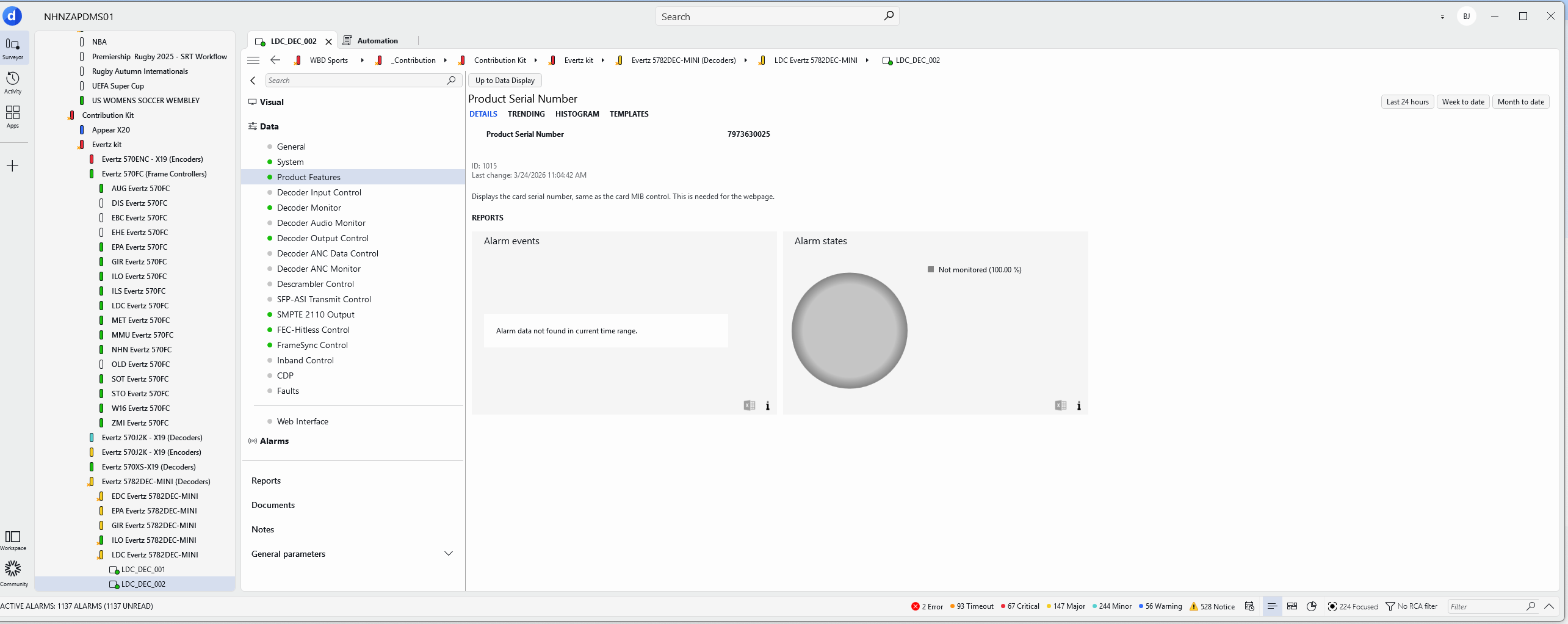
To help this I was looking to export all the element data into a CSV, but found that the product serial number wasn't there.
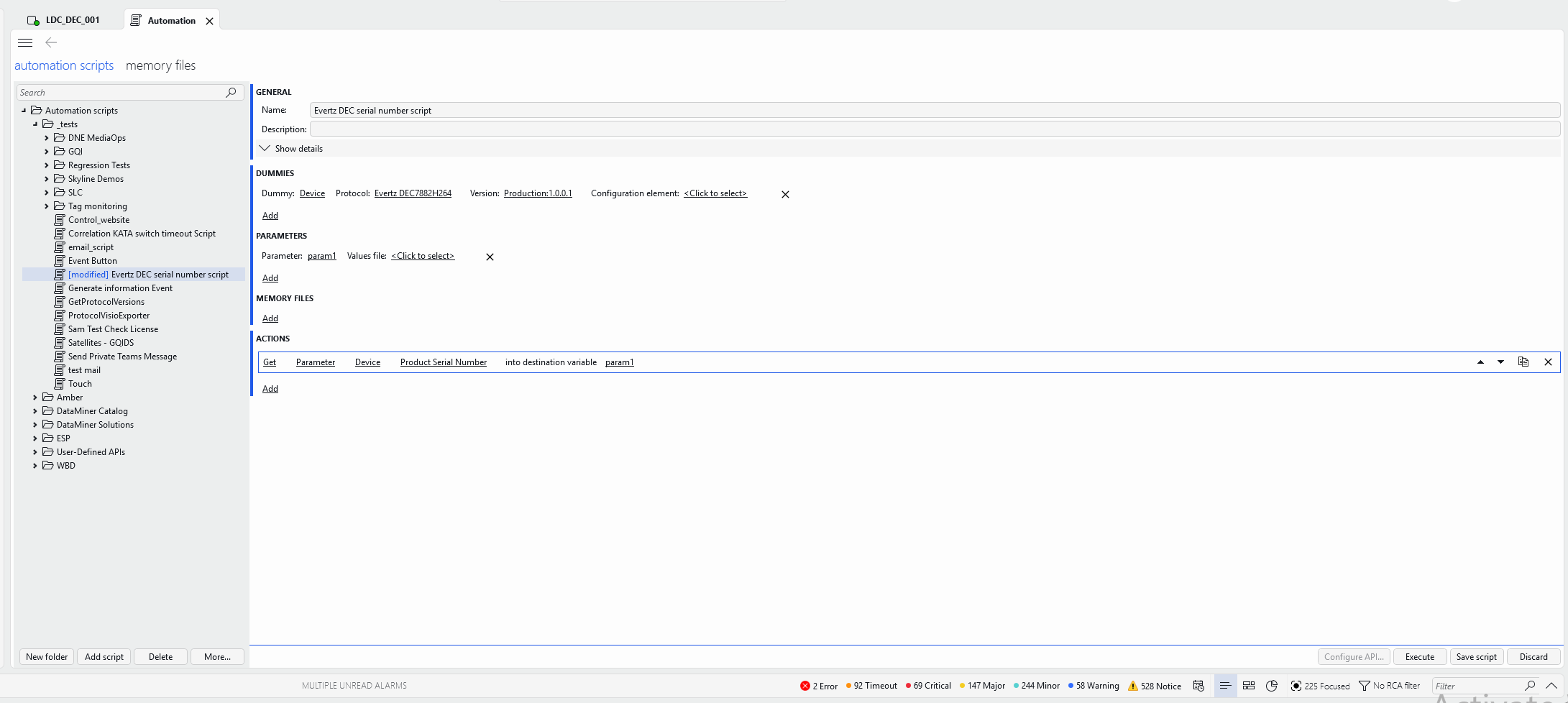
I then thought that I could use Automation to help me do this, but require some guidance. How would I export this into a file that I could then compare to what we have documented?
I've attached some screenshots of what I was starting to configure in the Automation App.
Thanks,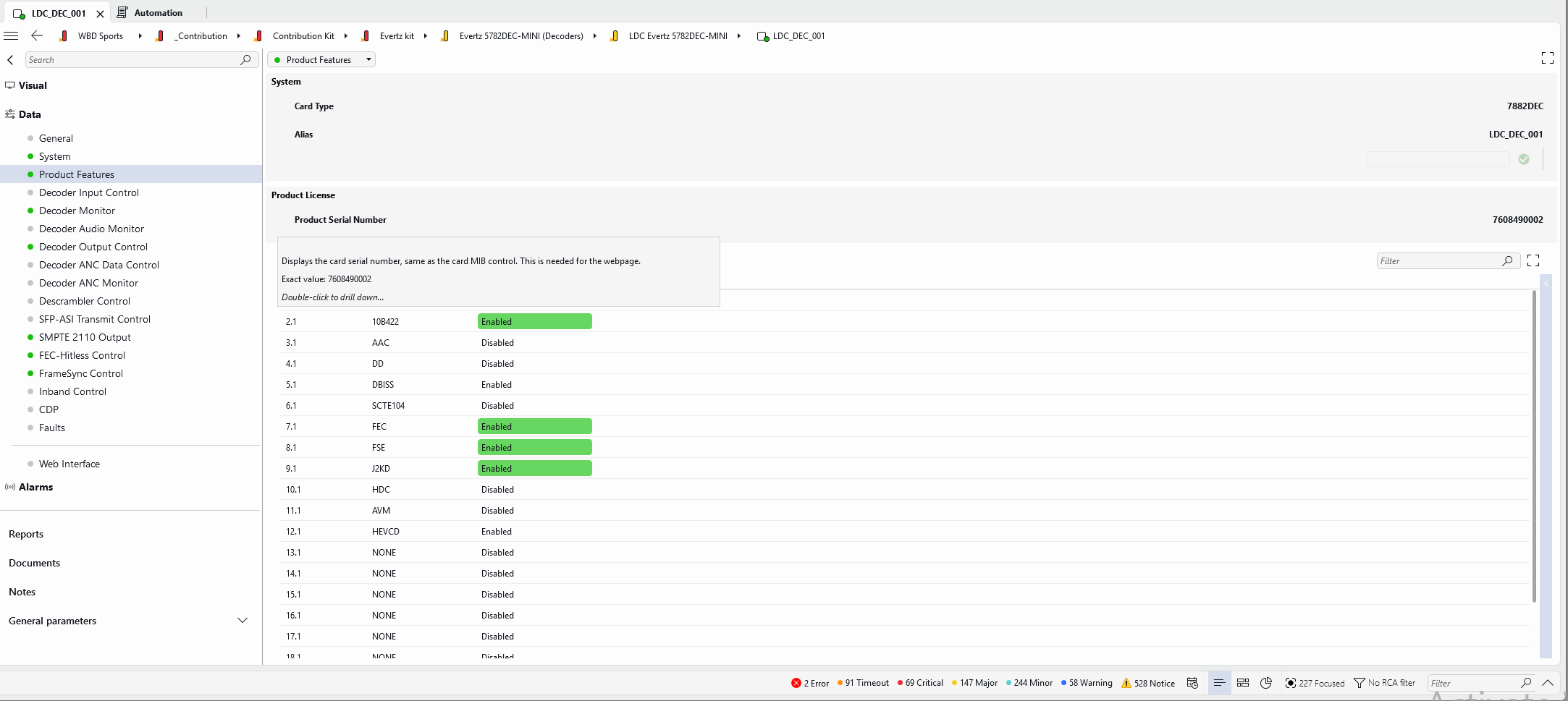
James

Hi James,
The easiest way to retrieve the parameter values across elements is to create a simple query in a dashboard and Visualize it in a table. From there, you can simply export the data.
start with a "Get Parameters for elements where" data source in your query, and select the correct protocol and version, then select the parameter(s) you want.
You might want to join with a "Get elements" data source to have the element names, as the first data source will only give you element IDs.

Thanks Matthijs, i'll look at doing this – appreciate the assistance.