

Hi community, 😊
I recently installed a fresh instance of DataMiner on this VM and upgraded it to feature release 10.6.8.0-17343. After that, I activated the soft launch option (DataAPI) and deployed two DxMs: DataAPI (v1.4.6.0) and DataAggregator (v3.2.0.7527).
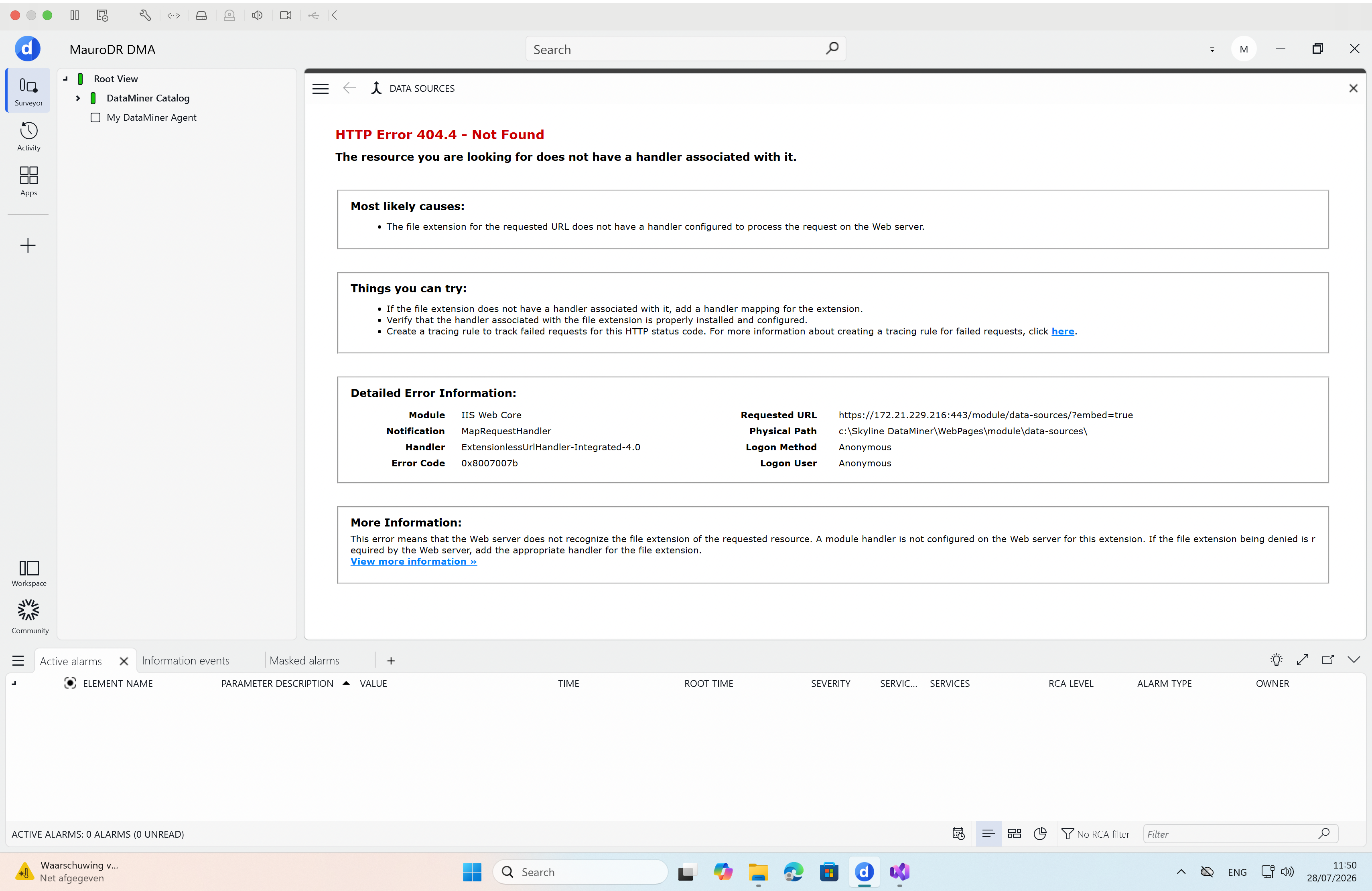
However, even after a system reboot, I am still getting an Error 404 via both the Cube Data Sources tab and the web interface (see attached screenshot).
How can I resolve this? Thanks! 🙌
Hi community,
I found the root cause and resolved it. URL Rewrite and ARR were installed, and both generated web.config files were correct. However, ARR’s server-level proxy was disabled.
DataMiner’s FailoverProxyManager could not run Failover-ARR-EnableProxy.ps1 because script execution was blocked in 32-bit Windows PowerShell. The fix was to run these commands in an elevated PowerShell:
$ps32 = "$env:WINDIR\SysWOW64\WindowsPowerShell\v1.0\powershell.exe"
& $ps32 -NoProfile -ExecutionPolicy Bypass -Command "Set-ExecutionPolicy -Scope LocalMachine -ExecutionPolicy RemoteSigned -Force"
& $ps32 -NoProfile -ExecutionPolicy Bypass -File "C:\Skyline DataMiner\Tools\Failover-ARR-EnableProxy.ps1"
& "$env:WINDIR\System32\inetsrv\AppCmd.exe" set config -section:system.webServer/proxy /enabled:true /commit:apphost
Afterward, /module/data-sources/ no longer returned IIS 404.4. Unauthenticated requests correctly redirect to /auth , and DataAggregator was healthy on port 12345 all along.