

Hello Dojo! I’m trying to make some updates to a Visio diagram, but after uploading the modified version to DataMiner, the changes aren’t reflecting as I expected.
Previously on my Visio I had one single button to call an Automation Script called Fail-over Red/Blue Input where the "Execute" parameter looks like this:
[sep:|$]Script:X20 Monitor I-O switch$$Chassis 1=[param:*,60150];Chassis 2=[param:*,60152];Mcast=[param:*,32008]$$Execute Failover$NoConfirmation,NoSetCheck,CloseWhenFinished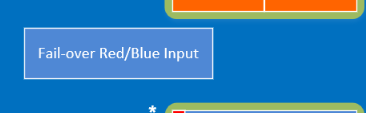
My modifications are replacing this button with two new buttons, each new button should execute a different but similar Automation Script (taking the same parameters). So, in order achieve that, I duplicated the existing button and changed the script name on the "Execute" parameter:
[sep:|$]Script:X20SwitchToBackup$$Chassis 1=[param:*,60152];Chassis 2=[param:*,60150];Mcast=[param:*,32010]$$Execute Failover$NoConfirmation,NoSetCheck,CloseWhenFinished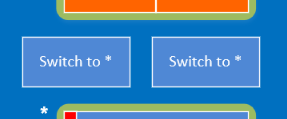
(This is how the Visio diagram looks on Visio ("Edit Visio"))
However, although I do now have two buttons, the buttons are still calling the old script even after the "Execute" parameter is changed. The button name also failed to update correctly, and it still show the old text.
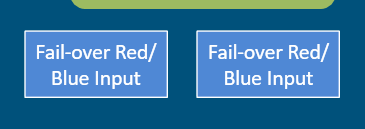
(This is what I see on DataMiner after uploading)
Could you please assist? Maybe I'm making changes in the wrong place?
Thanks for the reply, Jarno. The resolution was actually very silly, I found out that the shape I was editing was part of a group, and there was actually a copy of the shape hidden underneath it — which was the one that was being displayed and that I should have been editing.