

Hi,
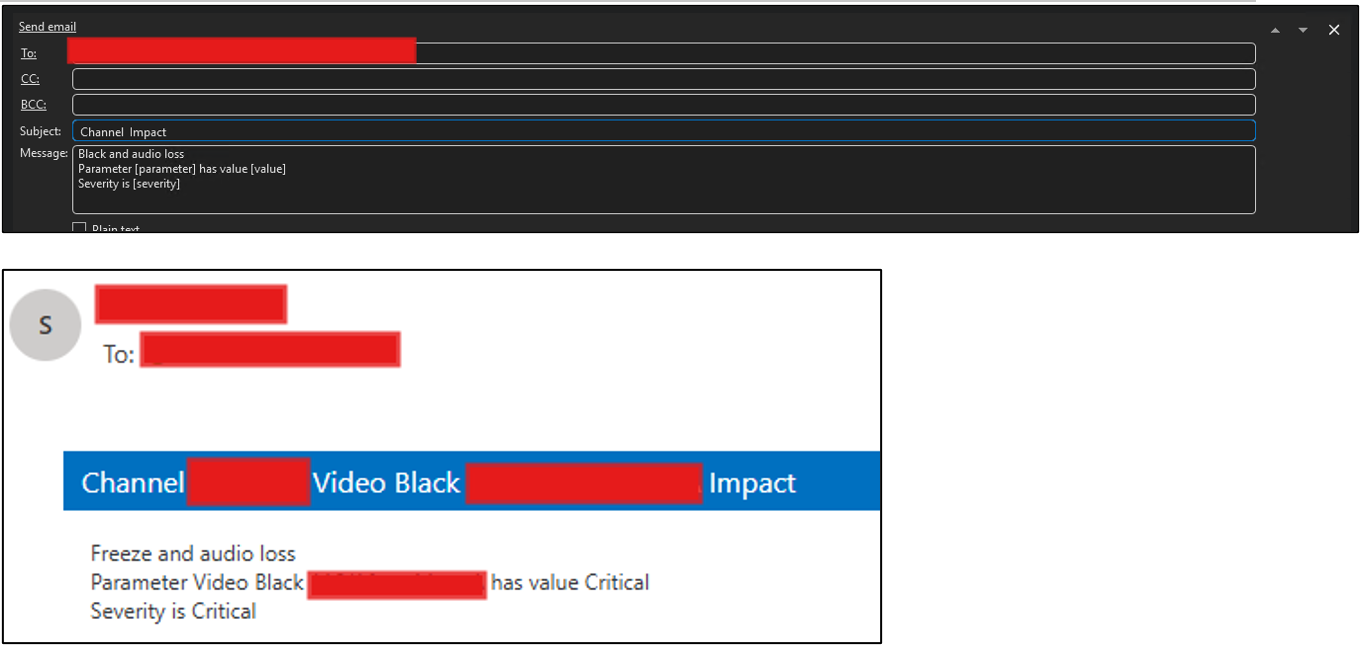
We have created a correlation rule using two parameters, where a new alarm event is generated when the configured condition is met.
The action executed when the correlation rule is triggered is to send an email notification.
However, the email currently displays only one of the parameter values.
We would like to know how to configure the email content so that both parameters configured in the correlation rule are displayed.

Hi,
When using a notification action from a correlation rule, you could only use information form the alarm that triggered the correlation rule. If you would like to include information from a second parameter, you could generate an email notification from an automation script. More information in DataMiner Docs:
- Running an automation script from a correlation rule
- Special parameters available in automation scripts
- Adding CSharp code to an automation script
- Engine.SendEmail
Hope it helps.