

Is it possible to make calculations based on a single field in a sensor table within a Visio view?
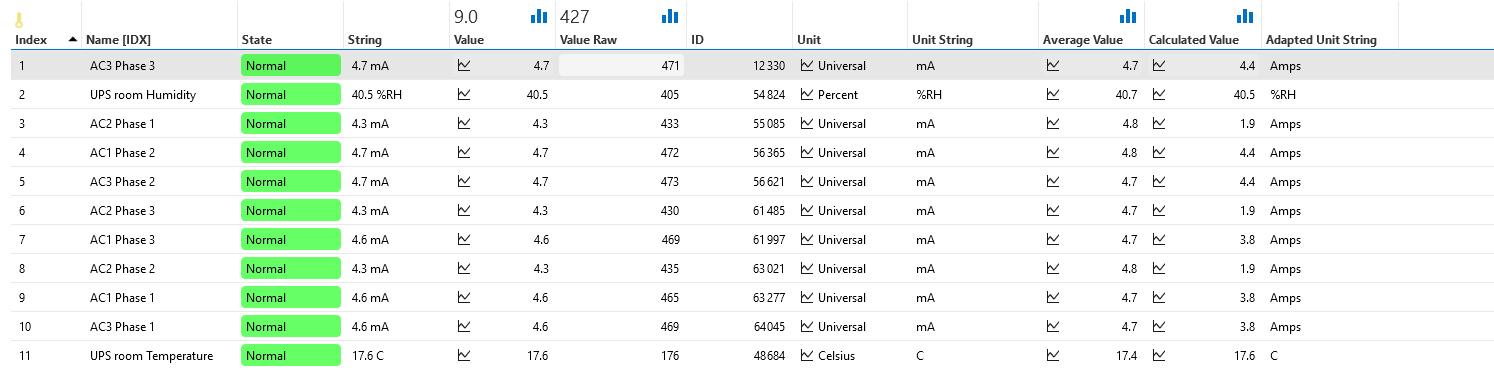
I'd like to create an overview of the power consumption across our site but would want to convert current to power and in case of a 3 phase feed would like to total the power per 3 phases while measuring per phase.
How can i distill a single field (e.g. Value raw for index 3) in a table, make a calculation with it and show the outcome in a Visio view?
Jarno Lernou [SLC] [DevOps Enabler] Answered question

Hi Jurgen,
As far as I know, there are three options.
- Linking a shape to a calculation involving multiple parameters | DataMiner Docs
- This makes it possible to specify multiple parameters (possibly with a different filter). You can decide to take the minimum, maximum, sum or average value of all specified parameters. This is by design the most preferrable way, but is not the most flexible solution for more complex calculations.
- You can also make use of so-called placeholders, i.e. [Max:X,Y,Z], [Min:X,Y,Z], [Avg:X,Y,Z], [Sum:X,Y,Z]. This is much more because you can dynamically specify the desired values, however you are dependent on the placeholders available. For example, I wasn't able to find division or multiply (I might have overlooked).
- You can also make use of an Automation Script which offers all flexibility you desire, however it might be a bit slower than the default functionality you have within the Visio shape data. You can trigger the script by click of a shape or by page load.
Kind Regards,
Jarno
Jarno Lernou [SLC] [DevOps Enabler] Answered question