

Hi,
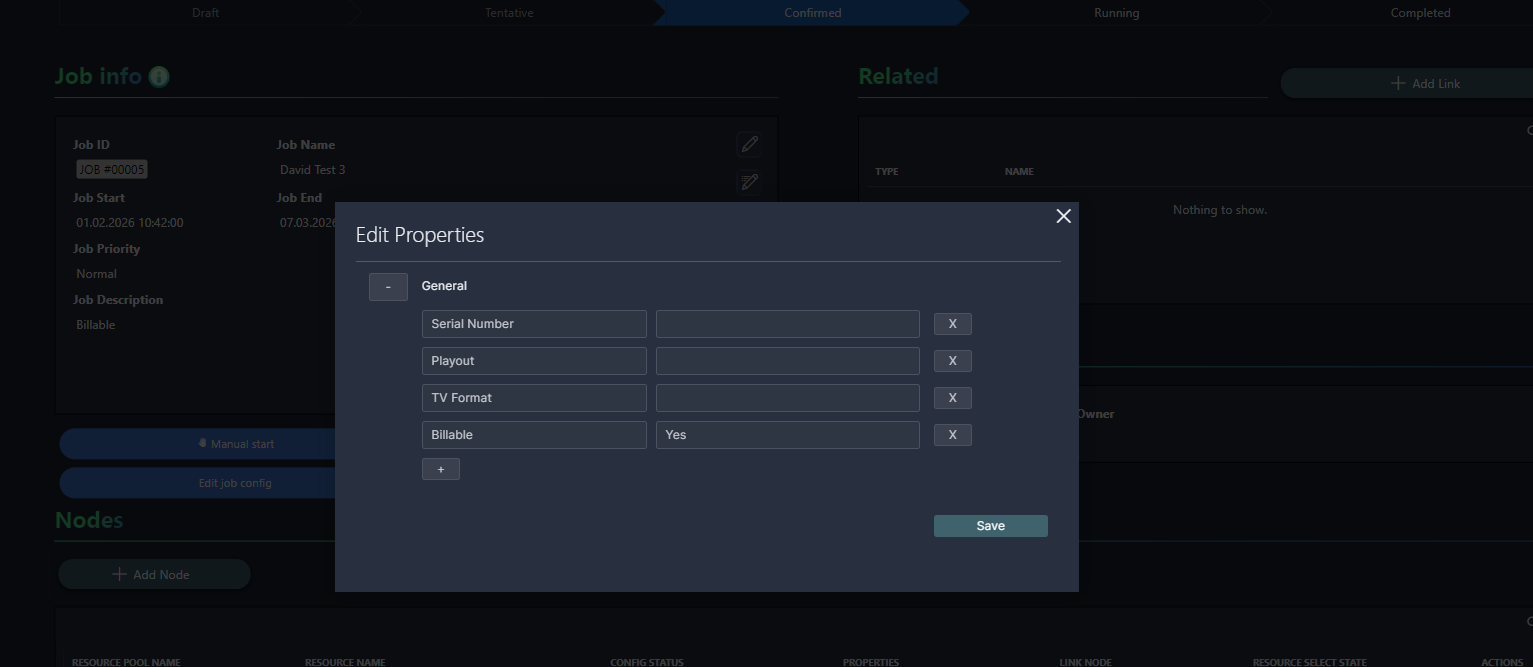
I have created a job in Media Ops with a property called “Billable” set to “Yes.”
Is it possible to access this property in dashboards?
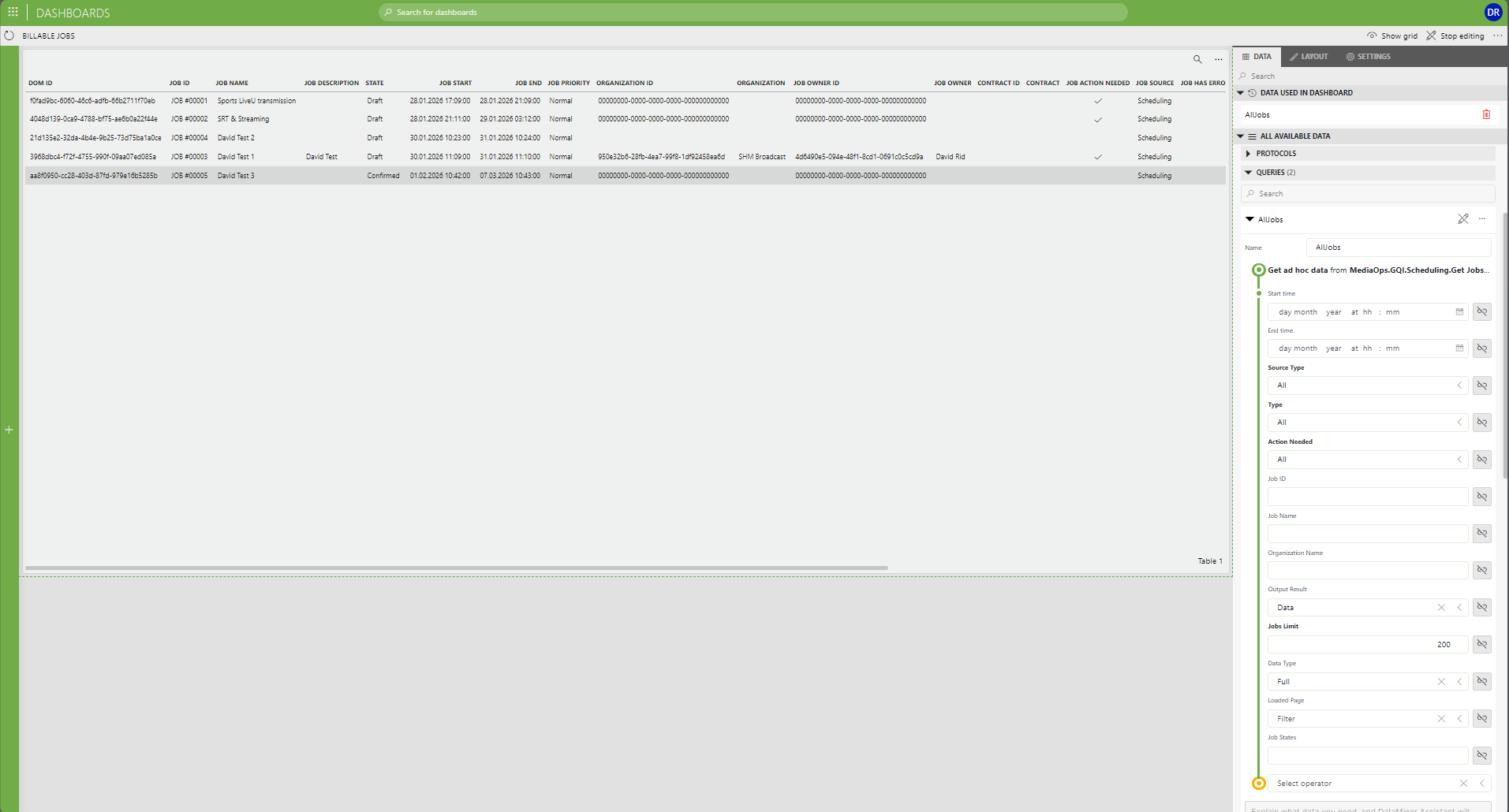
I created a table that displays all jobs, but the job properties are not shown as columns.
My goal is to filter on the Billable property and display a table that shows only billable jobs.
How can I access this data through a Dashboard?
Thank you!
Br,

Hi David,
Short answer, there's currently no easy way to retrieve jobs using a specific property/value combination. However, this is something that's on the roadmap of MediaOps. We are working on a NuGet package that will allow developers to easily retrieve and manipulate objects in MediaOps. Support for Scheduling will be made available in July 2026.
Long answer, if you are familiar with DOM and writing custom Ad Hoc DataSources, you can do it. You would need to retrieve the Property Values instances from the (slc)properties DOM Module that have a Property Value section with Property Name field 'IsBillable' and Value field 'true'. Each Property Values instance can be seen as the link between a property and an object in MediaOps (such as a Job). This kind of filtering is not possible by default from Low Code Apps as they are implemented as so-called multisections (= every Property Values instance can contain multiple Property Value sections). Once you have that list of Property Values instances you should use their Linked Object ID field to retrieve the IDs of the Jobs to which those properties are assigned.
As a sidenote I would discourage you from using DataSources that are packaged with MediaOps (such as the one you're using in your screenshot). These DataSources are tailored specifically for the Scheduling application and can change from one MediaOps release to the next, causing your custom applications to break. Ideally you create your own DataSources using the upcoming Scheduling NuGet package.
That will indeed be the case.
Thank you for taking the time to explain this.
If I understand correctly, with the upcoming NuGet package release later this year, it will be possible to access and manipulate MediaOps objects (including Jobs) through the DOM in code. This will allow me to create a custom Ad Hoc DataSource based on the Job properties, such as the "Billable" field.
That approach sounds like a good solution.
Thank you again and best regards.