
MediaOps Plan continues to evolve as a key building block for planning, scheduling, and automating media operations. With version 1.6, the focus shifts toward refinement, consistency, and extensibility. The goal is simple: make sure the platform scales more robustly as deployments grow in complexity.
If you’ve been working with MediaOps 1.5, you’ve already seen stronger orchestration and automation capabilities. Version 1.6 builds on that foundation—tightening APIs, improving data consistency, and preparing for more advanced automation scenarios.
So, what does MediaOps Plan 1.6 bring?
Less effort when configuring jobs
One of the main goals of MediaOps is to make workflow automation easier to set up and maintain. In this release, that translates into reducing the operational overhead required to configure jobs.
A key improvement is the ability to define how configuration parameters are linked upfront. This can be done at two levels:
- At pool level, you can ensure consistent parameter mapping for ad-hoc signal path construction.
- At workflow level, you can link parameters across nodes within a templated signal flow.
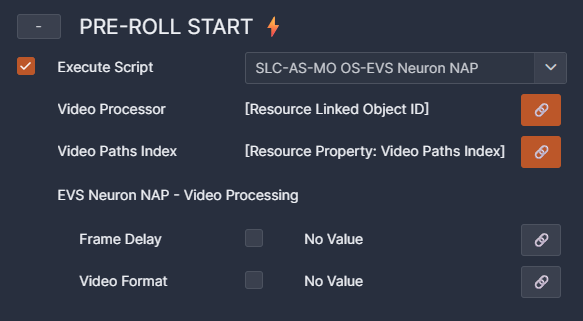
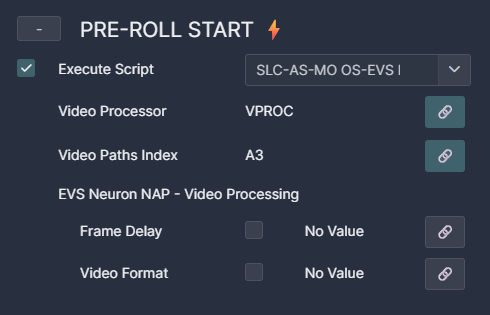
By defining these relationships upfront, operators no longer need to manually keep parameters in sync when configuring jobs. Instead, the system automatically enforces consistency based on the predefined links.
In day-to-day operations, this makes a clear difference:
- You spend less time on manual input during the job configuration.
- The risk of configuration errors caused by mismatched parameters goes down.
- Workflows and resource pools become much easier to reuse in a reliable way.
Combined with existing orchestration capabilities, this moves MediaOps closer to a model where workflows are not only automated, but also self-consistent by design. That’s a big step forward in both efficiency and usability in day-to-day operations.
Managing People & Organizations through code
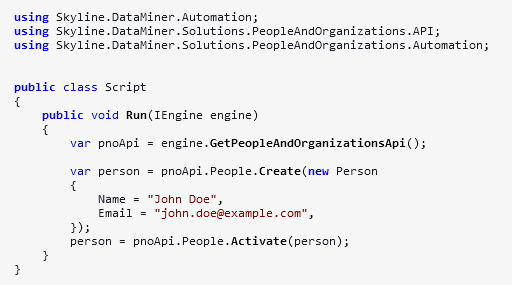
Another addition in MediaOps Plan 1.6 is support for managing People & Organizations through code.
Through public NuGet libraries, developers can now easily manage People & Organizations programmatically. This reduces development effort and enables tighter integration with existing tooling and automated pipelines.
Improved workflow visualization
MediaOps Plan 1.6 also improves how workflows are visualized, making it easier for operators to understand what’s going on at a glance.
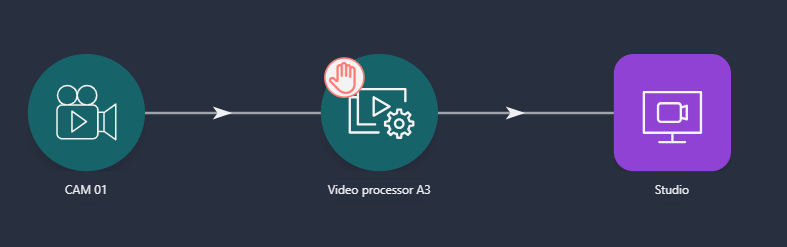
When configuring a job’s workflow, it is now clearly visible:
- Whether resource selection has already taken place for a given node.
- Whether there is still missing configuration that requires operator input.
This distinction provides immediate feedback during job setup, eliminating the need to manually inspect each node to determine its state. It speeds up configuration and helps operators spot issues right away, without guesswork.
Taken together, these improvements further refine the orchestration experience in MediaOps. Configuration becomes easier and more reliable, integrations become more flexible, and workflows become more transparent.
The result? A platform that not only automates your operations, but also helps you manage complexity as your environment grows.
For more information, consult the official MediaOps documentation, and for a full list of changes made in version 1.6, refer to the release notes.
Previous MediaOps releases
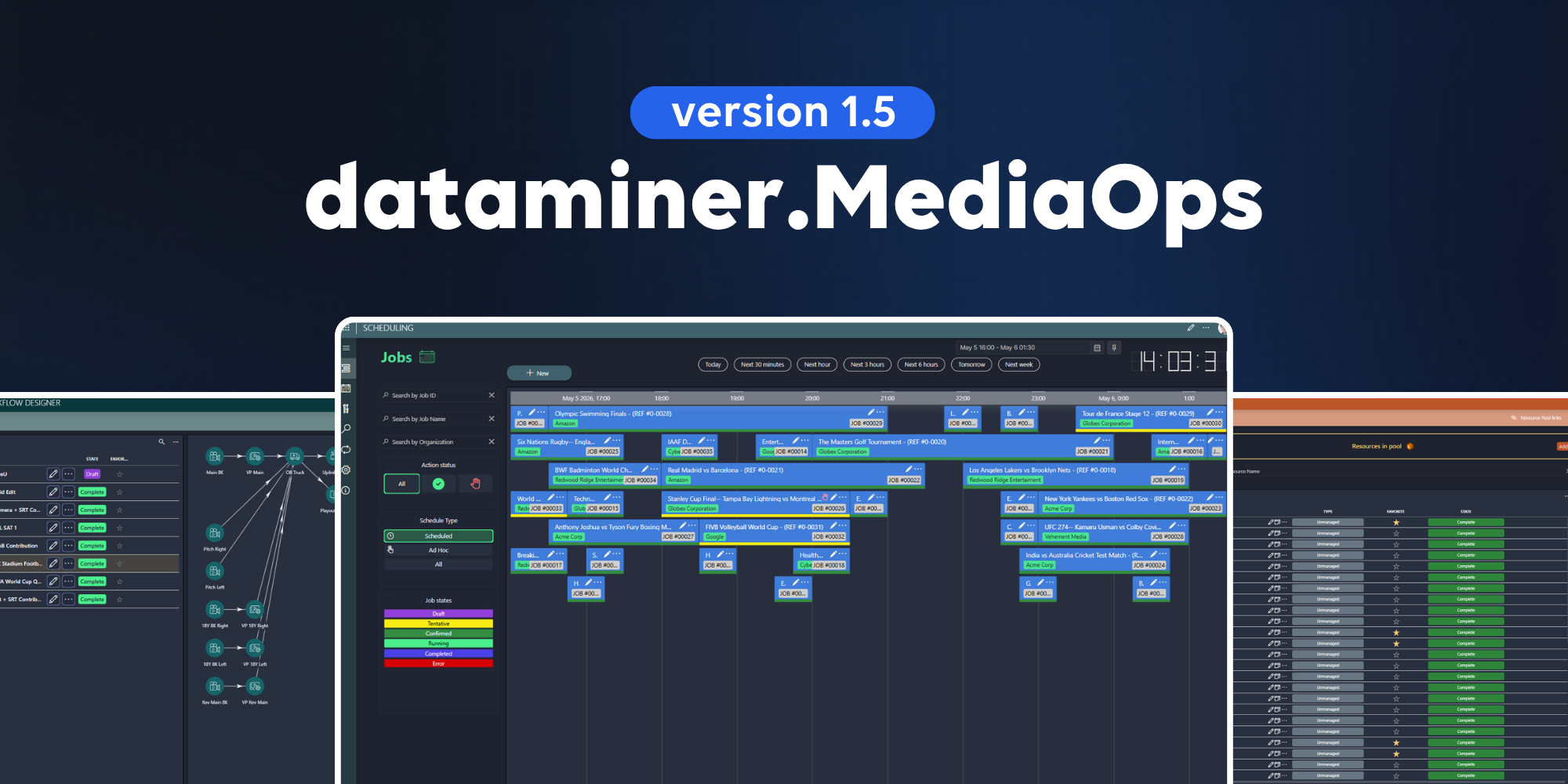
BLOG
MediaOps Plan 1.5: bringing orchestration and resource management together
MediaOps Plan version 1.5 continues to redefine how media and broadcast operations plan, operate, and optimize their media services. This update introduces several capabilities that further simplify and enhance how you schedule and manage jobs and resources in your media operation.
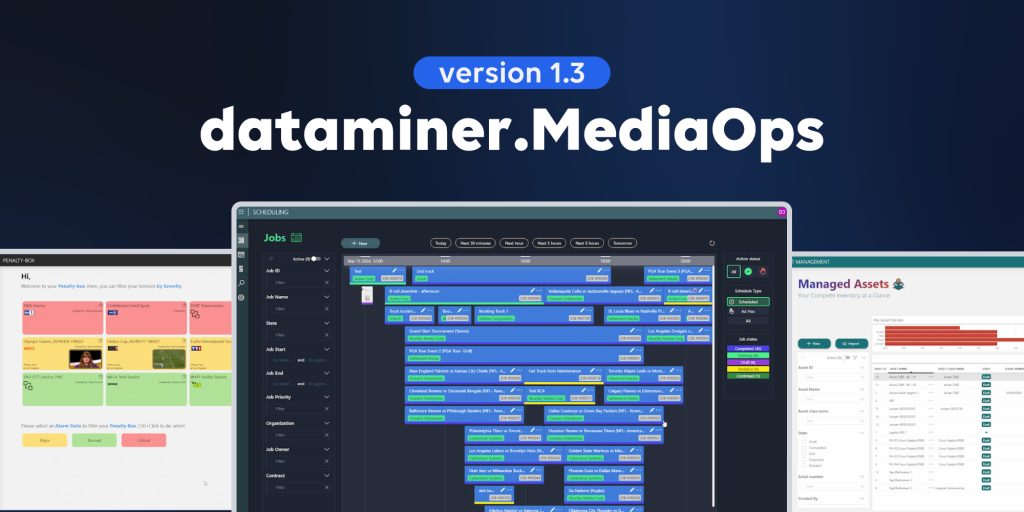
BLOG
MediaOps 1.3: making job scheduling even more effortless and precise
MediaOps version 1.3 introduces several new capabilities that further simplify and enhance the way you schedule and manage jobs and resources in your media operation.