
With every DataMiner Feature Release, we introduce improvements and new capabilities that help you get more value out of your system. In this post, we highlight the most noteworthy additions to DataMiner 10.6.4.
Below, you’ll find a list of the new or improved features that are worth highlighting in this release. Each item links to relevant documentation where you can find more details.
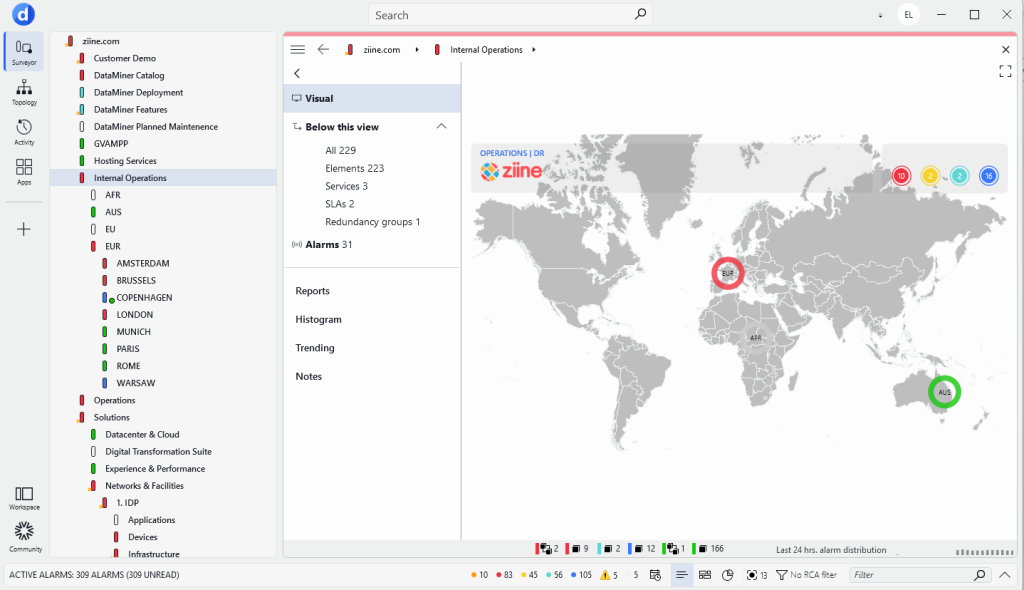
- The entire Cube UI has been completely redesigned: themes are modernized, icons updated, and the System Center reworked. It’s a complete makeover worth exploring.
- A new Suggestion limit setting is now available under System Center > System settings > analytics config > Behavioral anomaly detection. This setting allows you to configure the maximum number of active suggestion events per behavioral change type.
- Data offloading is now possible on systems with Swarming enabled.
- Automation scripts can now receive the time zone of the client that triggered them. This allows scripts to take the client’s time zone into account when executing automation logic.
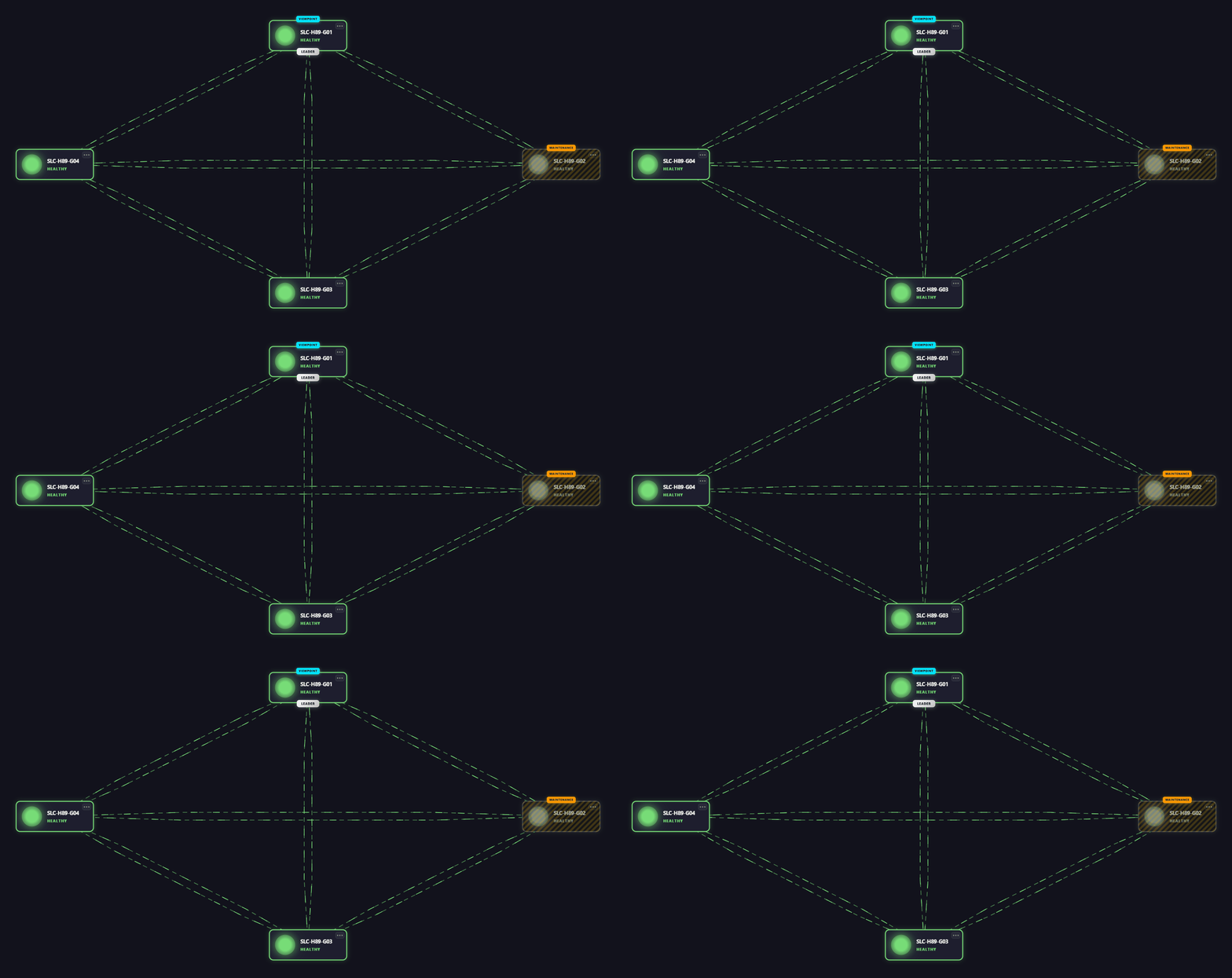
- The node edge graph component in Dashboards and Low-Code Apps now supports node templates. The Template Editor lets you fully customize the appearance of nodes or build on preset templates to create more tailored visualizations.
- You can now configure the SMTP server settings for outgoing email from DataMiner directly in Cube. Compared to the previous configuration via DataMiner.xml or the SLNetClientTest tool, this has the added advantage that you can now configure OAuth credentials.
- With the new EnableAlarmSubscriptions URL argument, Cube can start without subscribing to alarm events. This prevents connection overload in extreme cases with very high alarm volumes, letting you access the system in a degraded state to reconfigure alarm monitoring and resolve the issue.
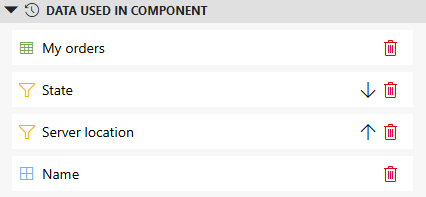
- The Data pane in Low-Code Apps has been enhanced to provide better insight into how data is used. Icons now indicate whether data items are used as a data source, as a filter, or in another way.
For a complete list of changes added in DataMiner 10.6.4, including technical details and fixes, refer to the official release notes.
Previous DataMiner releases

BLOG
What’s new in DataMiner 10.6.3?
Find out which new and improved features have been added in DataMiner version 10.6.3.
BLOG
What’s new in the documentation for the 10.6.2 release?
Find out which new and improved features have been added in DataMiner version 10.6.2.