

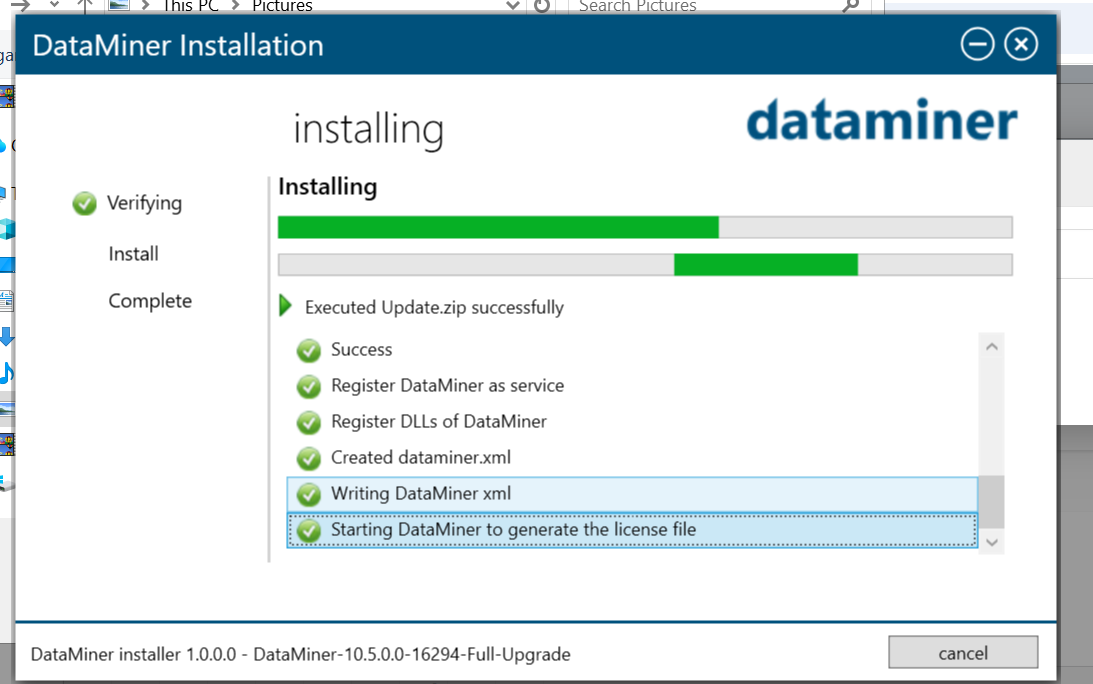
I am trying to install dataminer 10.5.0 and it is getting stuck at Starting Dataminer to generate the license file.
I do not know what's wrong what should i check.
<?xml version="1.0" encoding="utf-8"?>
<DataMiner id="-1" elementid="" xmlns="http://www.skyline.be/config/dataminer">
<IP>
<VirtualIPFrom/>
<VirtualIPTo/>
<VirtualIPMask/>
</IP>
<DMA>
<DMAName/>
<Location1/>
<Location2/>
<Location3/>
</DMA>
<Logging>
<Debug/>
<Error/>
<Info/>
</Logging>
<MobileGateway>
<IP/>
<UserName/>
</MobileGateway>
<Colors>
<Color type="normal" value=""/>
<Color type="warning" value=""/>
<Color type="minor" value=""/>
<Color type="major" value=""/>
<Color type="critical" value=""/>
<Color type="notMonitored" value=""/>
<Color type="initial" value=""/>
<Color type="timeout" value=""/>
<Color type="masked" value=""/>
</Colors>
<ID>
<Views current="" currentOwn=""/>
</ID>
<DataMinerGuid>{4A6C5519-E9AE-456B-8A4A-D311AE188FC4}</DataMinerGuid></DataMiner>
This is my generated dataminer.xml file

Hello together,
have you found a solution for the problem? I'm asking because we ran in the exact same error.
Thank you!

Hi Ashok.
Thank you, good idea. Can you explain, how the problem gets resolved in your case?
Stop the presses! We've solved the problem!
There was undeleted files from an old agent in the User-Folder which had to be reinstalled during the process. After deleting all old files and restart the installation everything worked!!
Thanks everyone, have a hacky day!
Hi Simon,
I connected with the Technical team and this was resolved.
support@dataminer.services