

 Hi all,
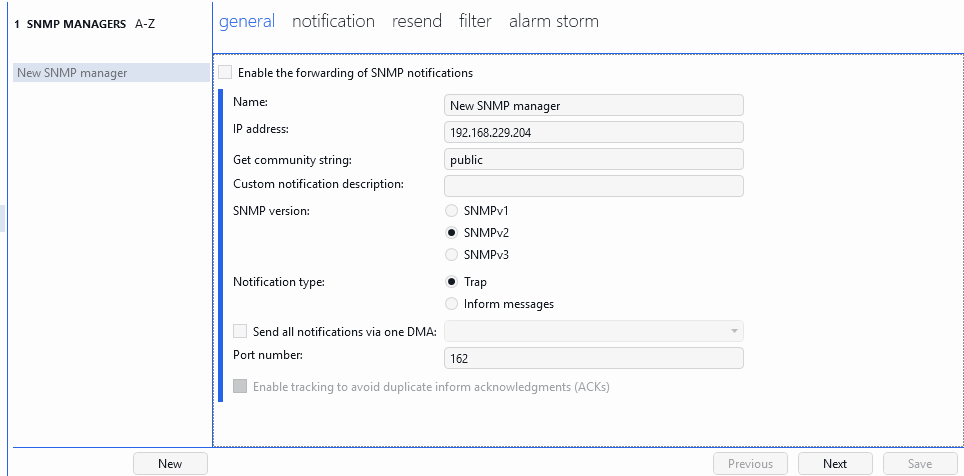
We're trying to configure a new SNMP manager under System Center > SNMP Forwarding in DataMiner Cube, but the Save button remains disabled no matter what we do.
DataMiner version: 10.6.2543.13924
What we're trying to achieve:
Forward DataMiner alarm notifications (SNMP traps) to a third-party device (a PATLITE network signal tower) whenever a Critical alarm occurs.
Steps taken so far:
- Created a new SNMP manager (
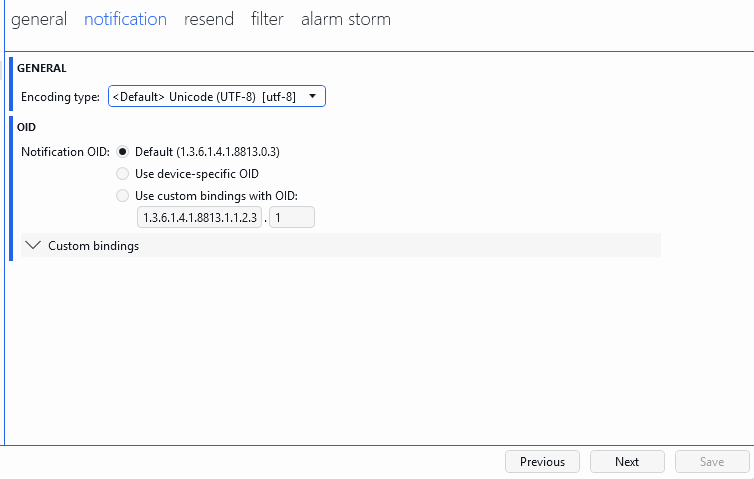
Newbutton), filled in Name, IP address, and Get community string on the general tab. - Configured the notification tab (tried both Default OID and custom bindings OID).
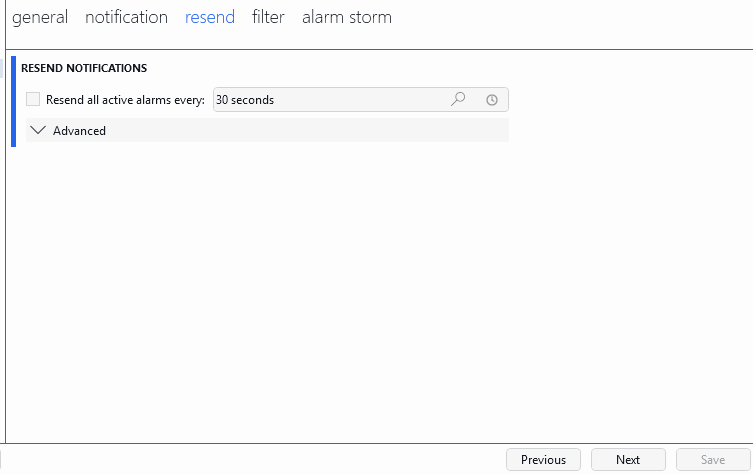
- Configured the resend tab (left at default).
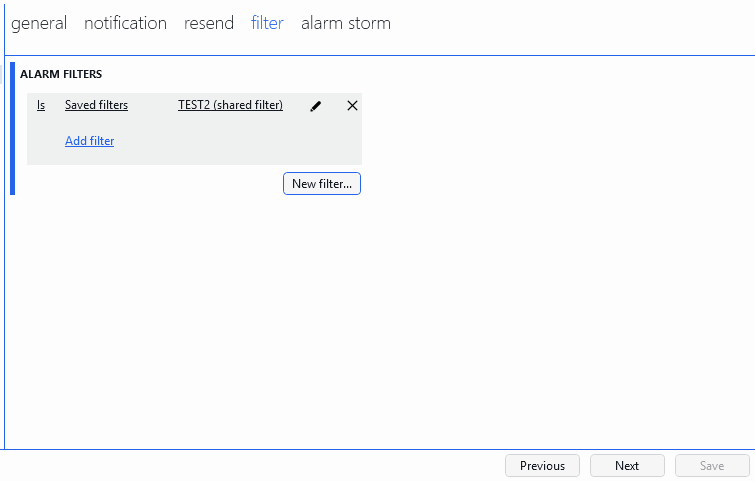
- Configured a filter on the filter tab (Severity Equal to Critical), confirmed and closed the filter editor with OK.
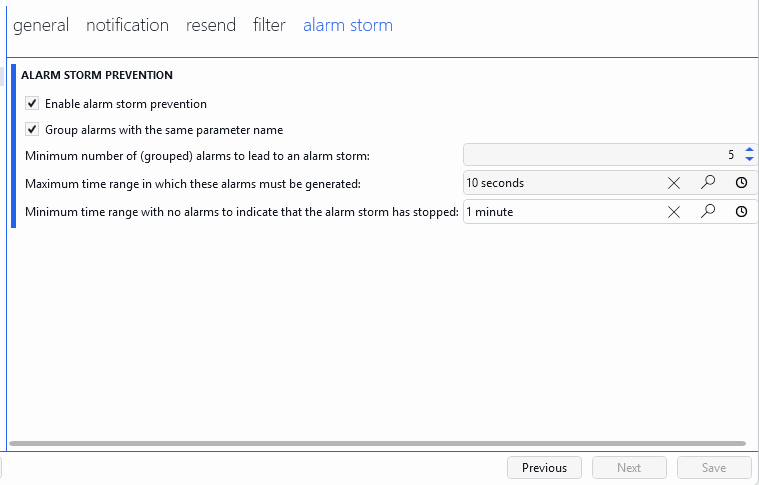
- Configured the alarm storm tab (also tried with "Enable alarm storm prevention" both checked and unchecked, with valid time span values filled in).
Despite completing every tab, the Save button at the bottom stays greyed out.
Troubleshooting we already did:
- Recreated the SNMP manager from scratch with only the minimal required fields filled in (Name, IP address, Get community string on the general tab, everything else left at default) — Save is still disabled.
- Checked the DataMiner license list in SLNet.txt — all relevant licenses (including RESOURCEMANAGER, SERVICEMANAGER, etc.) are present and the license is not expired.
- Verified that
SLSNMPAgent.exeandSLSNMPManager.exeare both running as processes (confirmed via Task Manager and via SLNet.txt authentication logs). - Checked
SLNet.txtand could not find anySet DataMiner Info (EditSNMPManager)log entry, suggesting the Save action is never actually being submitted to the server (it seems to be blocked purely on the Cube client side).
Question:
Is there a known issue with the Save button on the SNMP Forwarding page being disabled in this version, or a required field/validation that isn't obvious from the UI? Are there any Cube client logs (beyond SLNet.txt) we should check to see exactly which validation is failing?
Any guidance would be greatly appreciated.
Thanks,
 Thank you for your reply.
I performed the procedure, but there was no change.
Since it doesn't work, I suppose it's best to just give up on it.
Thank you very much.

Hey Hiroaysu,
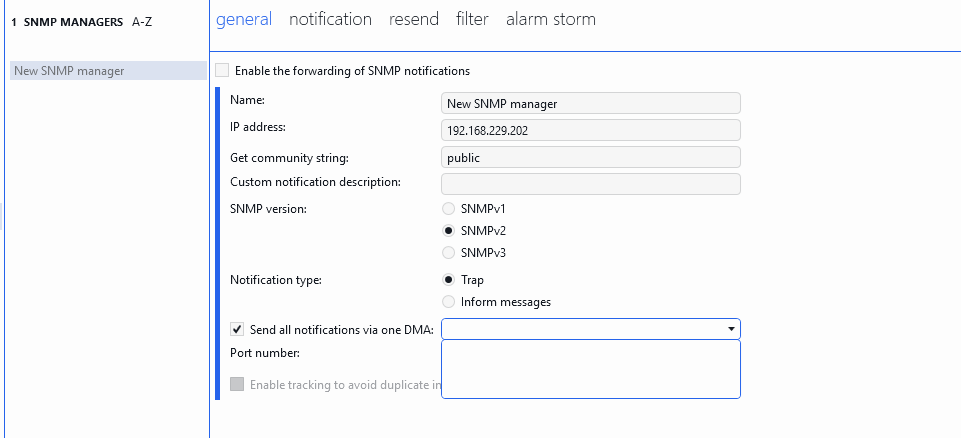
It's odd that in your general tab, the "Send all notifications via one DMA" has no DataMiner agents listed. I would expect the list to be populated with the agents in your DataMiner system. Here is an example from:
As a test, can you enable "Send all notifications via one DMA" and see if saving then works? If not, I would recommend a DataMiner restart.